 Tuck
Tuck it away.
Keep it yours.
A private vault for your photos, videos, notes and documents. Everything is encrypted on your phone before it's saved, and only your passphrase opens it.
Coming soon to the App Store and Google Play.
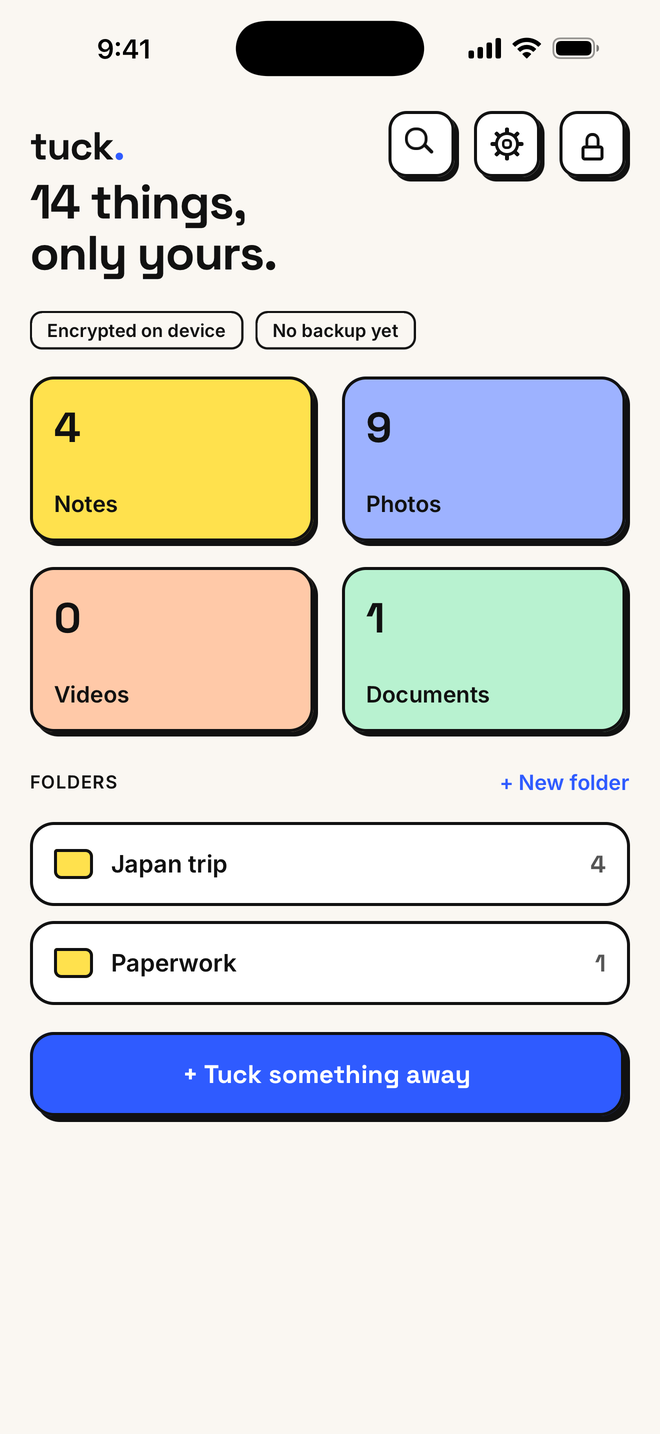
One place for the private stuff
Photos & videos
Pick from your library or shoot straight into the vault. Videos play without ever being written to disk unencrypted.
Notes
Write things you'd never put in a normal notes app. Every note is encrypted the moment you save it.
Documents
IDs, passports, contracts, scans. Import files or scan with the camera, then sort them into folders.
Face ID & auto-lock
Unlock with your face or fingerprint. Tuck locks itself when you leave and hides its contents in the app switcher.
A disguise icon
Swap Tuck's icon for a plain Calculator or Weather icon so it blends into your home screen.
Your own backup
Encrypted backups go to your own iCloud or Google Drive. Restore on a new phone with your passphrase.
How Tuck keeps it private
We built Tuck so that nobody but you can read what's inside. Not us, not your cloud provider, not anyone who picks up your phone.
Encrypted on your phone
Your passphrase is stretched with Argon2id and everything is sealed with XChaCha20-Poly1305 before it touches storage.
No accounts, no servers
There's no sign-up and no Tuck server. We never see your files, your passphrase or even your email.
You hold the keys
A 24-word recovery key gets you back in if you forget your passphrase. We can't reset it, which is the point.
Try everything for 7 days
Start a free 7-day trial with every feature unlocked. Cancel any time before it ends and you won't be charged. After that, pick what suits you.
Prices are shown in the app and in your App Store or Google Play account, in your local currency.