 Tuck
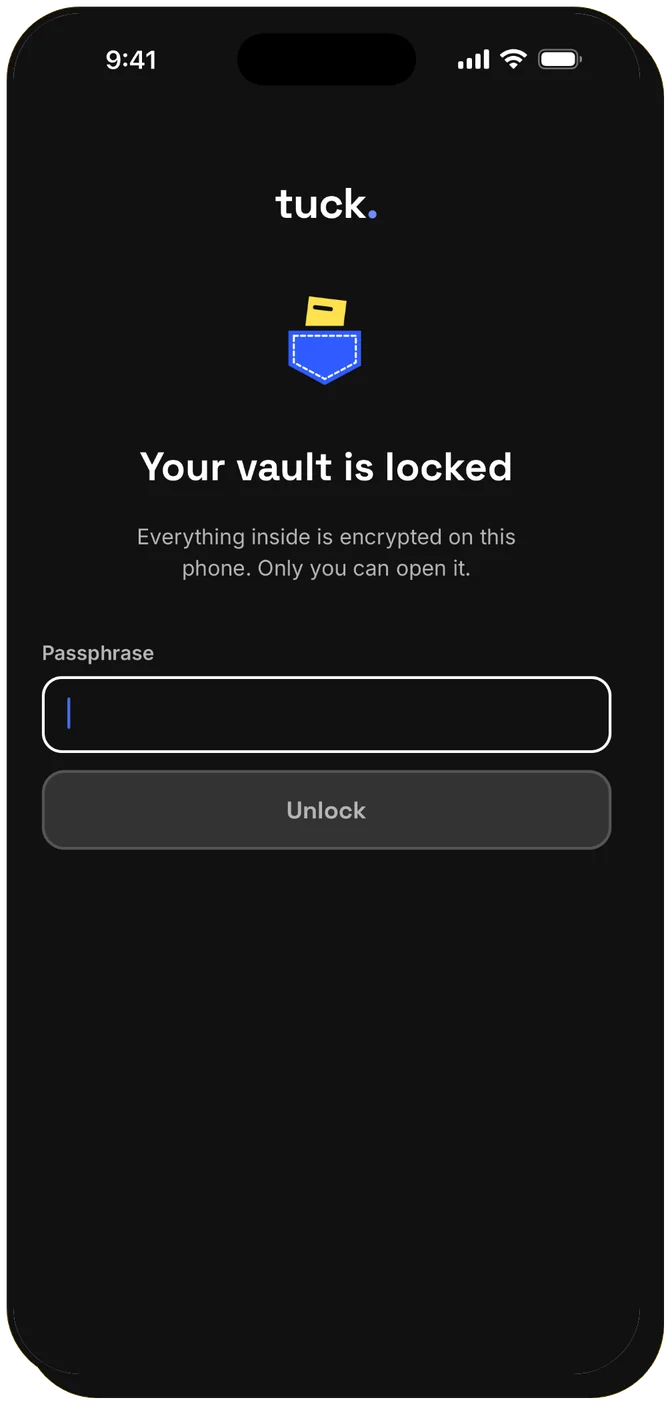
Some are, many aren't. A photo vault can do anything from moving files into a folder your gallery doesn't scan, to encrypting each photo with a key only you can make. From the outside both look the same: a lock screen, then your photos.
Here are seven questions that tell them apart. You can answer most of them from the app's store page, privacy policy and help pages.
1. Does it say how it encrypts, by name?
Look for named, modern algorithms such as AES-256-GCM or XChaCha20-Poly1305, and a password-stretching function such as Argon2id, scrypt or PBKDF2. "Military-grade encryption" with no detail tells you nothing.
2. Is the key made from your passphrase?
The point of a vault is that the key to your photos comes from something only you know. If the app encrypts with a key stored next to the files, or on its own server, the encryption protects against far less than it sounds like.
3. Can the company reset your password?
If support can reset your password and you get your photos back, the company can, in some form, get at your key. Apps that truly encrypt with your passphrase can't do this. They give you a recovery key instead, and if you lose both, the data is gone. That's annoying, and it's also the proof.
4. Does it need an account, and where do backups go?
An account means the company holds data about you. Check where synced photos are stored: on the company's cloud, or in your own iCloud or Google Drive. Either way, they should be encrypted on your phone before they're uploaded.
5. How strong is the lock?
A 4-digit PIN has 10,000 combinations. If the files aren't encrypted with a slow key-stretching function, that's quick to brute-force once someone has a copy. A passphrase plus Face ID or fingerprint for convenience is much stronger. Also check that the app slows down repeated wrong guesses.
6. What does its privacy label say?
The App Store's App Privacy section and Google Play's Data safety section list what an app collects. A vault that collects your location, contacts or advertising ID is collecting more than it needs. Ads in a vault app mean ad SDKs running next to your private photos.
7. Does it protect previews and the app switcher?
Small leaks matter: thumbnails in the app switcher, photos written to a temporary folder unencrypted, or videos decrypted to disk to play them. The better apps blank the app switcher and decrypt to memory only.
How Tuck answers these
We make Tuck, so here's how it does on the same list:
| Question | Tuck |
|---|---|
| Named encryption | XChaCha20-Poly1305 for files, Argon2id for the passphrase |
| Key from your passphrase | Yes |
| Can we reset it? | No. You get a 24-word recovery key instead |
| Account and backups | No account. Backups are encrypted on the phone, then saved to your own iCloud or Google Drive |
| Lock | Passphrase, plus Face ID or fingerprint. Wrong guesses wait longer each time |
| Privacy label | Collects purchase history only, to check your subscription. No ads |
| Previews | Hidden in the app switcher; videos play without being written to disk unencrypted |
FAQ
Can photo vault apps see my photos?
It depends on the app. If photos are encrypted on your phone with a key from your passphrase and there's no company server, the maker can't see them. If the app syncs to its own cloud or can reset your password, assume it could.
Are free photo vault apps safe?
Free isn't the problem; ads and data collection are. Check the privacy label and whether the encryption is described by name.
Is the iPhone Hidden album safe?
It's locked with Face ID, Touch ID or your passcode. Anyone who knows your passcode can open it. In iCloud it's covered by Apple's standard protection unless you turn on Advanced Data Protection, which makes iCloud Photos end-to-end encrypted. (Apple)