 Tuck
We make Tuck, so read this with that in mind. We've tried to be fair: every fact about another app comes from its store listing or help pages and is dated, and we say where others do something better.
The question that separates these apps is simple: who can open your photos? Hiding them from your gallery is easy. Making sure only you can decrypt them is the hard part.
| App | Price (US) | Ads | Account | Your own encryption key | Backup |
|---|---|---|---|---|---|
| Tuck | 3-day free trial, then $3.99/wk, $7.99/mo or $49.99 once | No | None | Yes, from your passphrase | Encrypted first, to your own Google Drive |
| Keepsafe | Free with ads; Premium $9.99/mo or $23.99/yr | Yes, on free | Optional | Not stated | Keepsafe Private Cloud (Premium) |
| CalculatorVault (com.thinkyeah.calculatorvault) | Free with in-app purchases | Yes | Not stated | Not stated | Not stated |
| Google Photos Locked Folder | Free | No | Google account | No | Optional, to Google Photos |
| Samsung Secure Folder | Free on Galaxy phones | No | Varies | Device encryption | Varies by model |
Tuck
Tuck is an encrypted vault for photos, videos, notes and documents, on Android and iPhone. Everything is encrypted on the phone with XChaCha20-Poly1305, with a key derived from your passphrase using Argon2id. There's no sign-up and no Tuck server. Backups are encrypted before they leave the phone and go to a private app folder in your own Google Drive.
- Good for: people who want real encryption, no accounts, and the option to move between Android and iPhone.
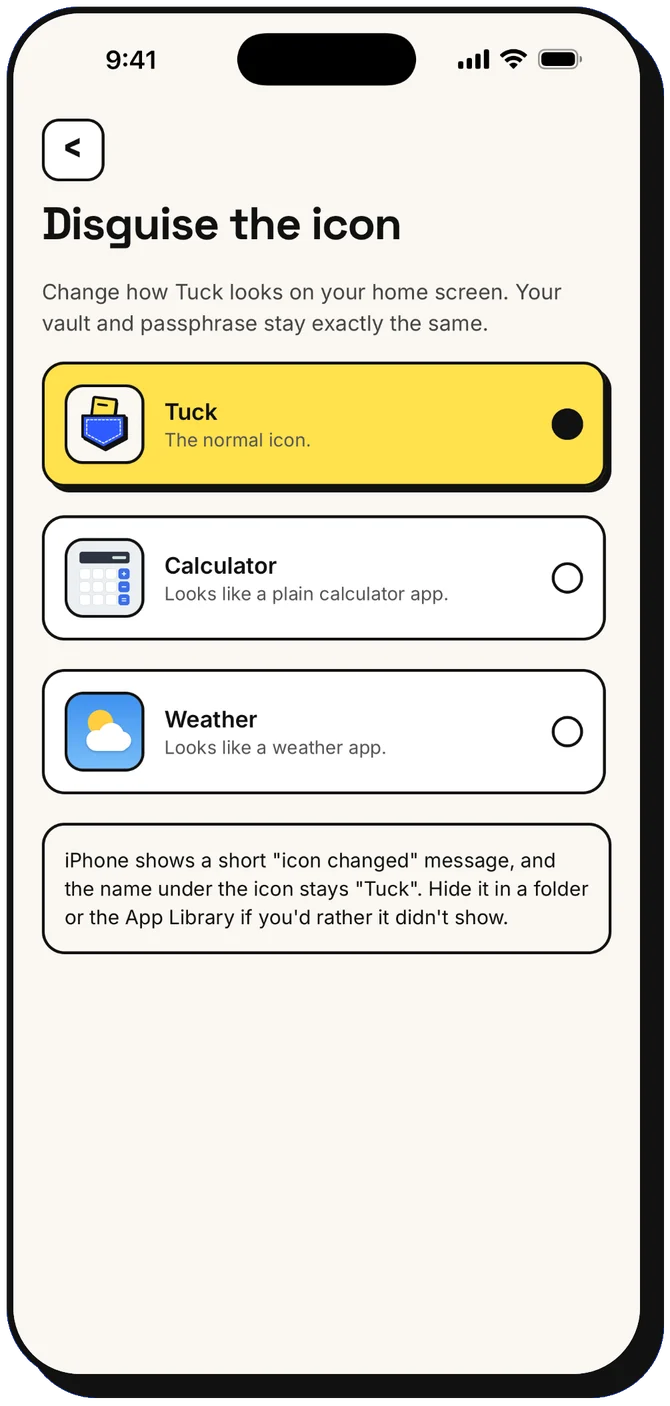
- Also has: fingerprint unlock, auto-lock, a Calculator or Weather disguise icon, folders and search, document scanning, a 24-word recovery key.
- Trade-offs: no free tier yet (one is coming in the next update), and if you lose both your passphrase and recovery key, nobody can open the vault. That's on purpose.
Keepsafe
Keepsafe is the biggest name in the category, with more than 50 million downloads on Google Play and a 4.6-star rating.
- Good for: people who want sync across devices through Keepsafe's own cloud.
- Premium adds: album lock, break-in alerts, a fake PIN that opens a decoy, and Private Cloud for up to 10,000 items.
- Trade-offs: the free version shows ads, and your synced photos live on Keepsafe's cloud rather than your own. It describes "military-grade encryption" but doesn't say whether Keepsafe itself can access files. See Tuck vs Keepsafe.
Calculator vault apps
Apps like CalculatorVault look like a working calculator and open the vault when you type a code. This one is from the GalleryVault Developer Team, with 100K+ downloads and a 4.1-star rating.
- Good for: hiding that a vault exists at all.
- Trade-offs: it contains ads, and its Data safety section lists location and personal info as collected. See Tuck vs calculator vault apps. Tuck's disguise icon gives you the same "it's just a calculator" look.
Google Photos Locked Folder
Built into Google Photos on Android 6 and later. It keeps photos out of your library and behind your screen lock, and can optionally back up to Google Photos. (Google Photos Help)
- Good for: a free, quick way to get photos off your main grid.
- Trade-offs: anyone who knows your phone's PIN can open it, and Google uses its standard encryption, not a key only you hold. More in Locked Folder vs a vault app.
Samsung Secure Folder
On Galaxy phones, Secure Folder is a separate locked space with its own PIN or fingerprint.
- Good for: Samsung-only households who want something built in.
- Trade-offs: it only exists on Samsung phones, so switching brands means moving everything out.
How we'd choose
- Just want photos off the main grid? Google Photos Locked Folder.
- Only ever use Samsung? Secure Folder is a fine built-in choice.
- Want only you to be able to open them, with no company cloud? Use an app that encrypts with your own key and has no account. That's why we built Tuck.
FAQ
What is the safest photo vault app for Android?
The safest kind encrypts each photo on your phone with a key derived from your own passphrase, has no account or company server, and encrypts backups before upload. Tuck works this way. Check any app against our vault safety checklist.
Is there a free photo vault for Android?
Google Photos Locked Folder and Samsung Secure Folder are free and built in. Keepsafe and CalculatorVault are free with ads. Tuck has a 3-day free trial, and a free tier is coming in the next update.
Can I move a photo vault from Android to iPhone?
Android-only vault apps can't. Tuck is on both stores with the same features. Today its backups go to Google Drive on Android and iCloud on iPhone, and moving a vault straight from one to the other is on our roadmap.