 Tuck
Compare
Tuck compared
How Tuck stacks up against other photo vaults and the hiding tools built into your phone. Facts are checked against each app's store page and dated.


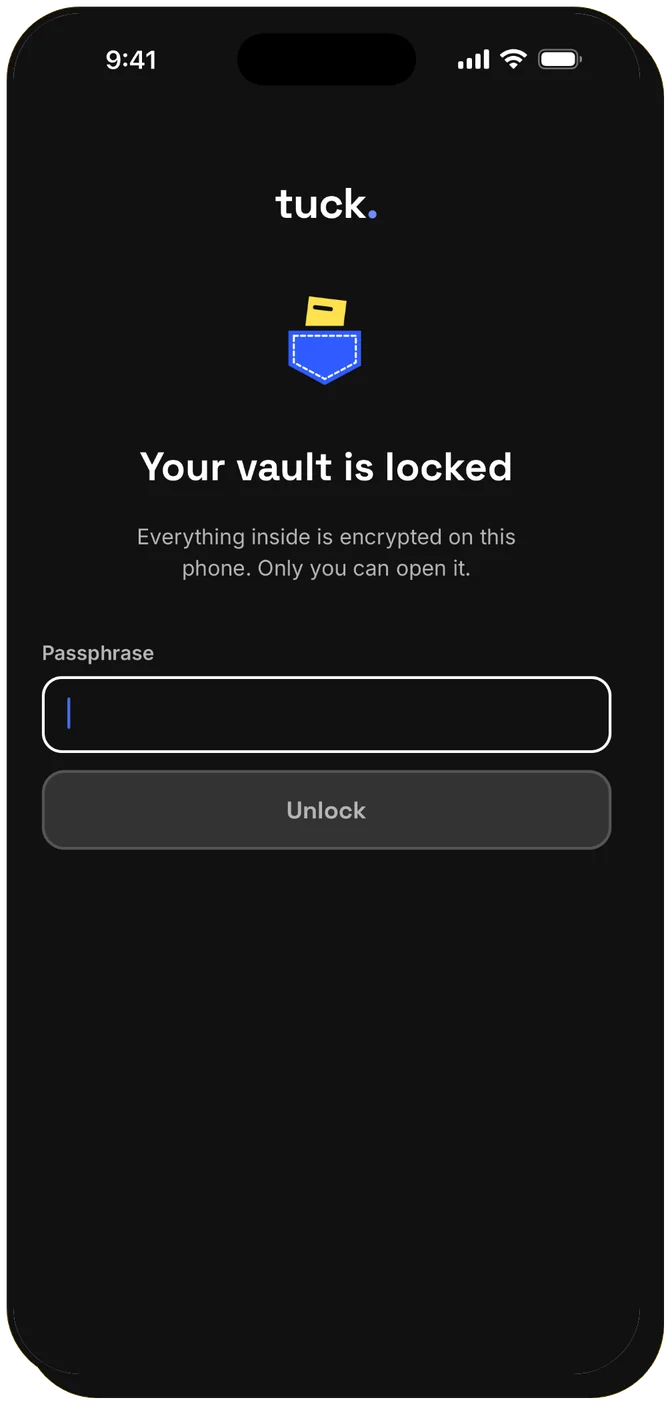
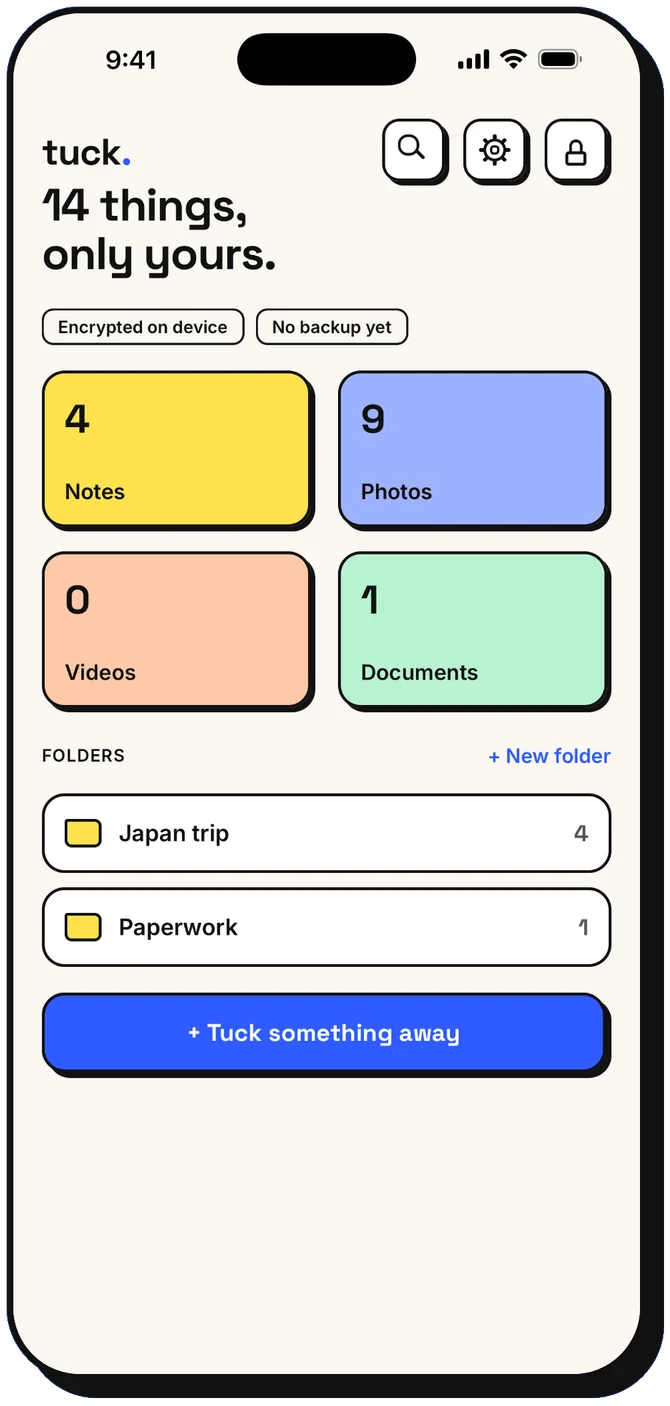
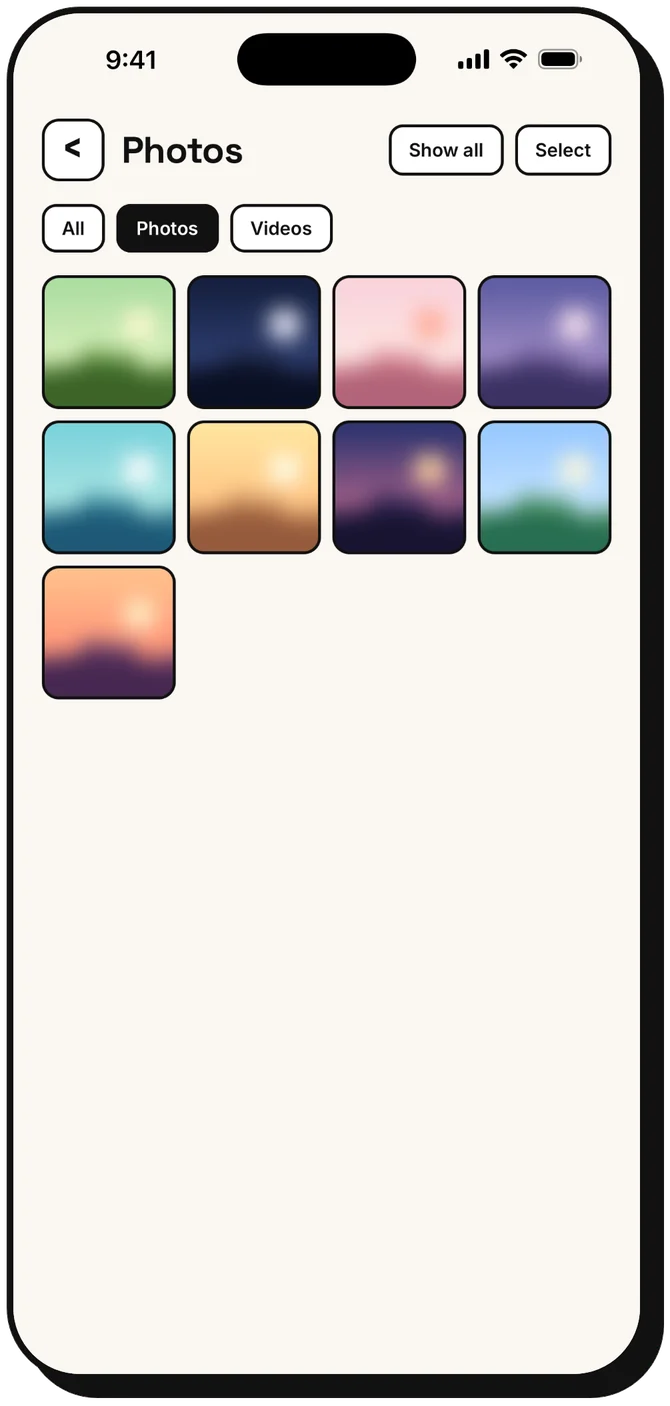
Tuck vs Keepsafe
Tuck and Keepsafe both hide photos on iPhone and Android. The difference is where your photos are stored and who holds the key. Prices, features and trade-offs compared.
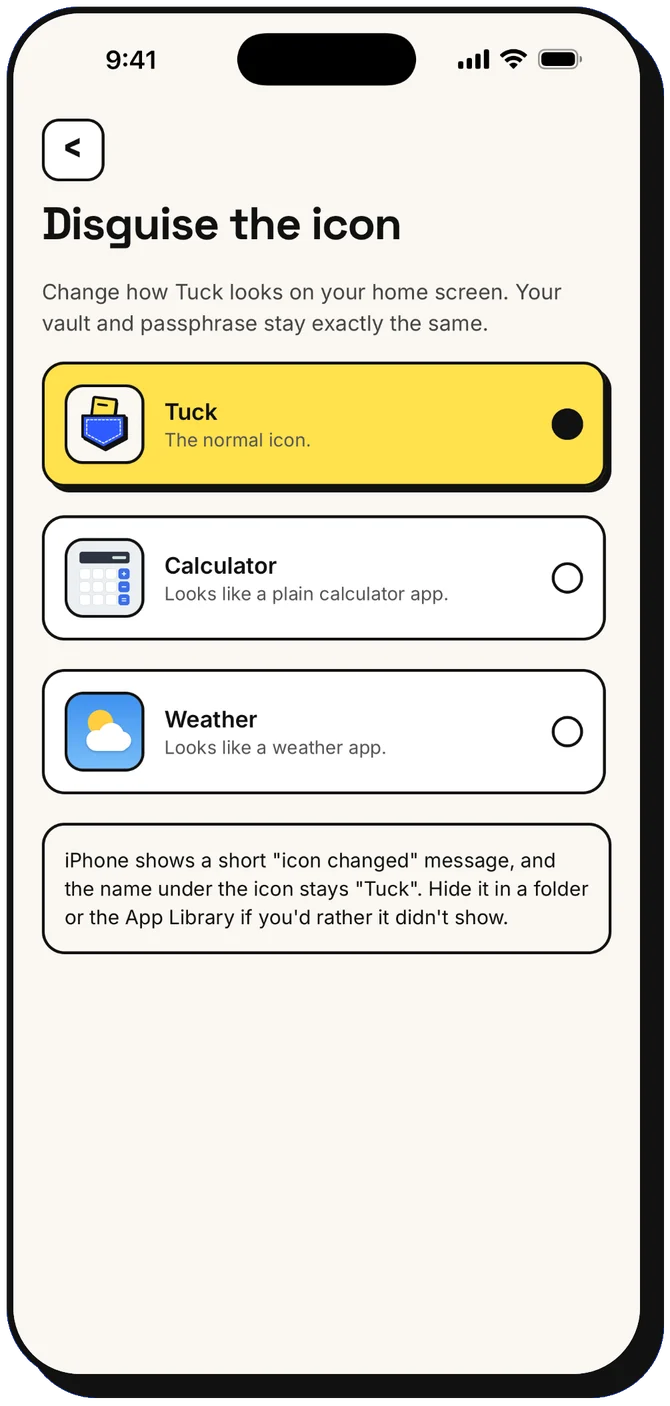
Tuck vs calculator vault apps
Calculator vault apps hide your photos behind a fake calculator. Tuck gives you a calculator disguise too, plus encryption with your own passphrase, no ads and no account.
Tuck vs Vaultaire
Vaultaire is a well-built iPhone photo vault. Tuck works on iPhone and Android, and adds notes and documents. Features, prices and trade-offs compared honestly.
Google Photos Locked Folder vs a vault app
Locked Folder is free and built into Google Photos. Here's what it protects, what it doesn't, and when an encrypted vault like Tuck is the better place for private photos.
iPhone Hidden album vs a vault app
The iPhone's Hidden album is free and locked with Face ID. Here's what it protects, what it doesn't, and when an encrypted vault like Tuck is the better place for private photos.
Tuck vs Private Photo Vault
Private Photo Vault is one of the oldest iPhone vaults, with decoy passwords and break-in reports. Tuck has no ads, no tracking and runs on Android too. Compared honestly.
Tuck vs Hide It Pro
Hide It Pro is a free Android vault disguised as an Audio Manager, with 50M+ downloads. Tuck has no ads, names its encryption and works on iPhone too. Compared honestly.
Tuck vs Vaulty
Vaulty is a popular Android vault with a calculator disguise, intruder photos and a decoy vault. Tuck has no ads, names its encryption and backs up to your own Drive. Compared honestly.
Tuck vs Gallery Vault
Gallery Vault has 50M+ Android downloads, fake passcodes and break-in alerts. Tuck has no ads, no third-party sharing and named encryption. Features and trade-offs compared.
Samsung Secure Folder vs a vault app
Secure Folder is free on Galaxy phones and protected by Samsung Knox. But it needs a Samsung account, no longer supports new backups, and only works on Samsung. When a vault app is the better pick.
Your stuff. Your phone. Nobody else.
Free for 3 days. Every feature unlocked.