 Tuck
Features
Tuck features
What Tuck does to keep your photos, videos, notes and documents private, and how each feature works.


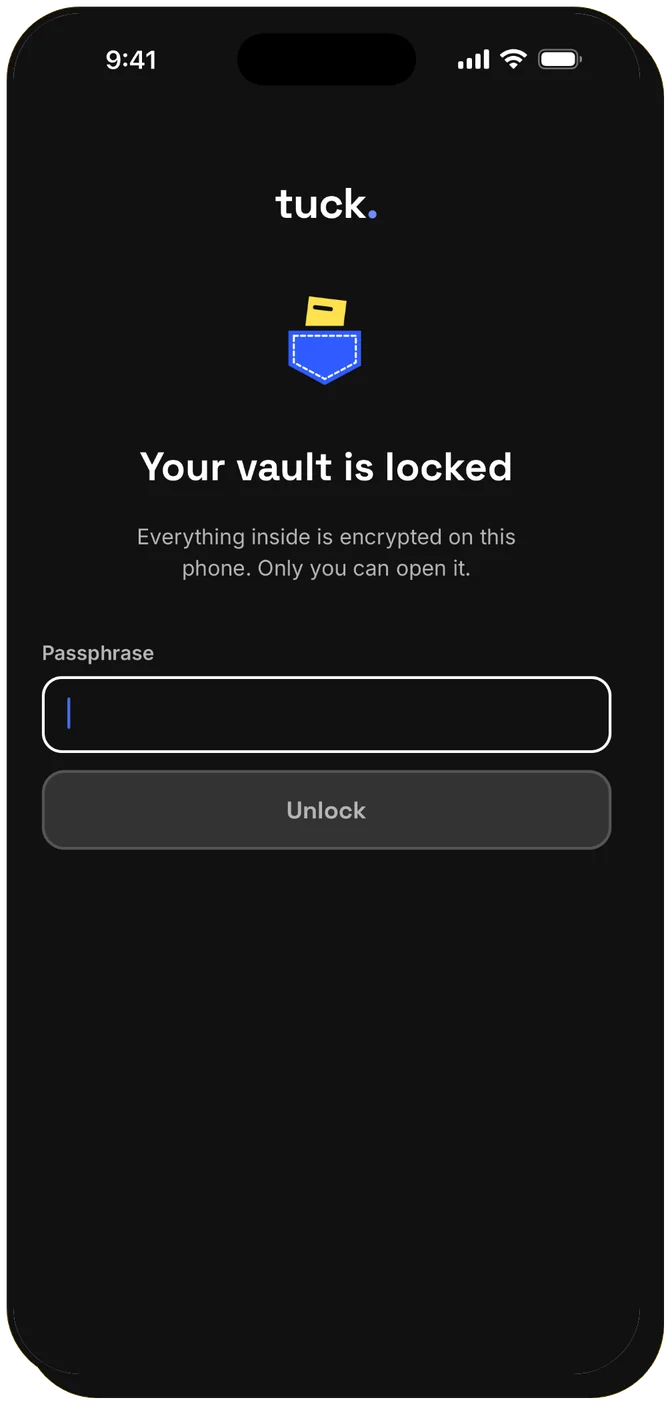
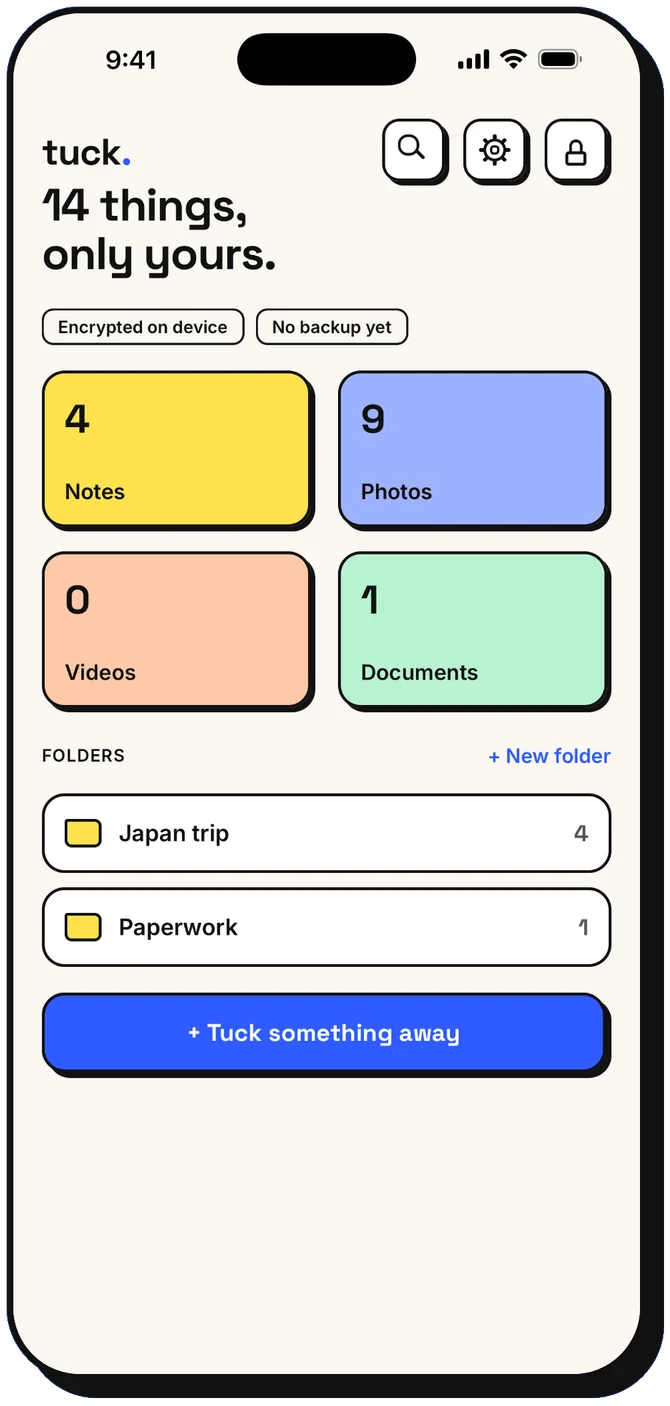
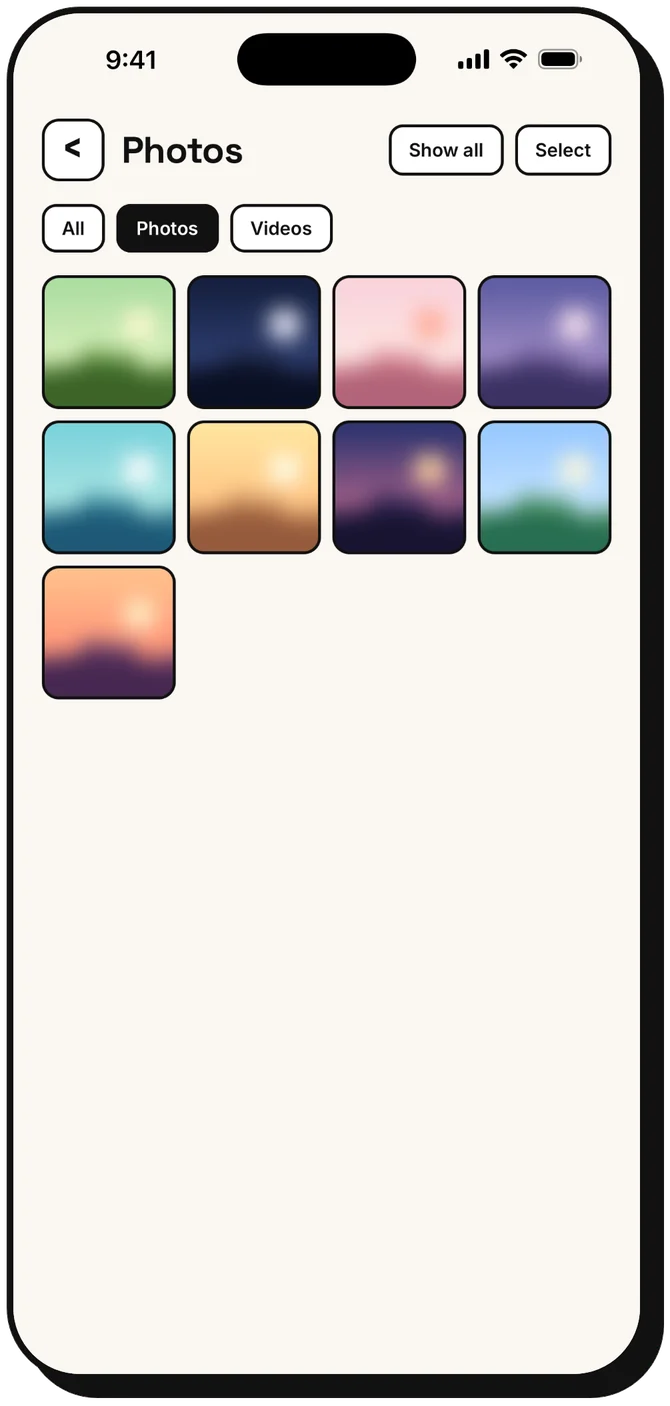
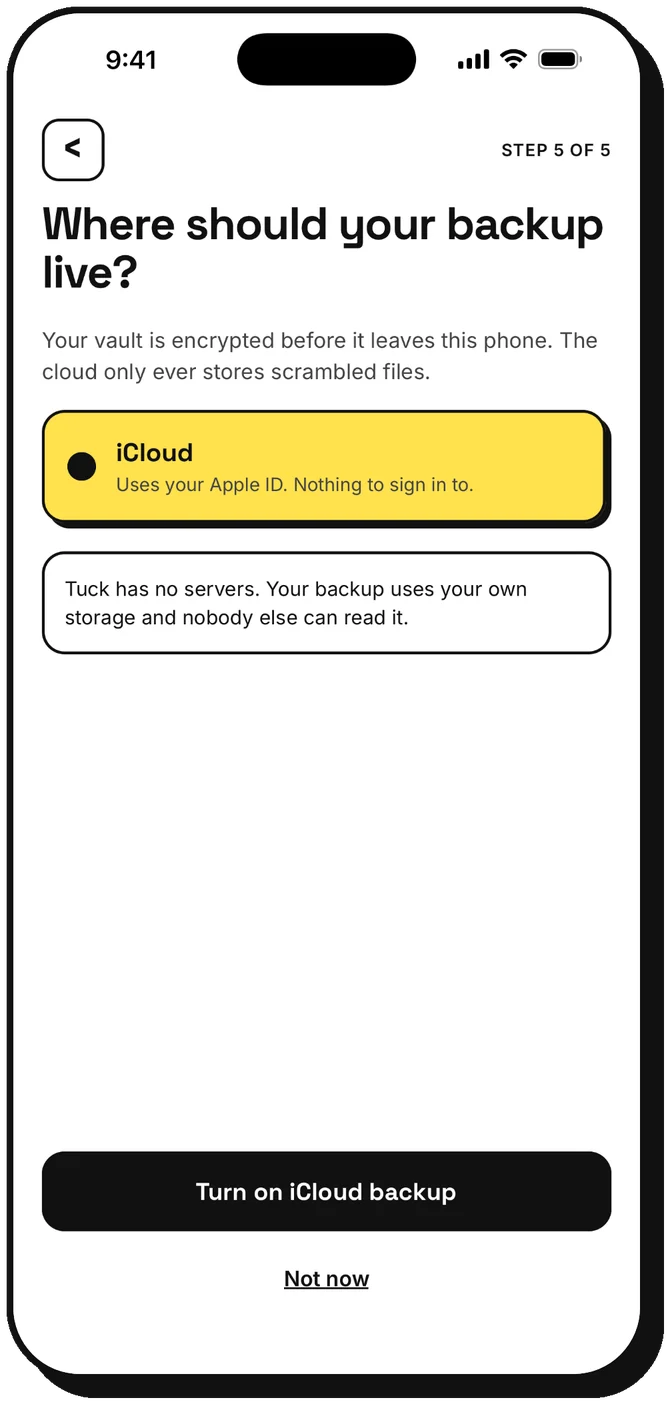
Encrypted backup to your own iCloud or Google Drive
Tuck backs up your vault to your own iCloud or Google Drive, encrypted on your phone first. Apple, Google and Tuck only ever see scrambled files. Restore on a new phone with your passphrase.
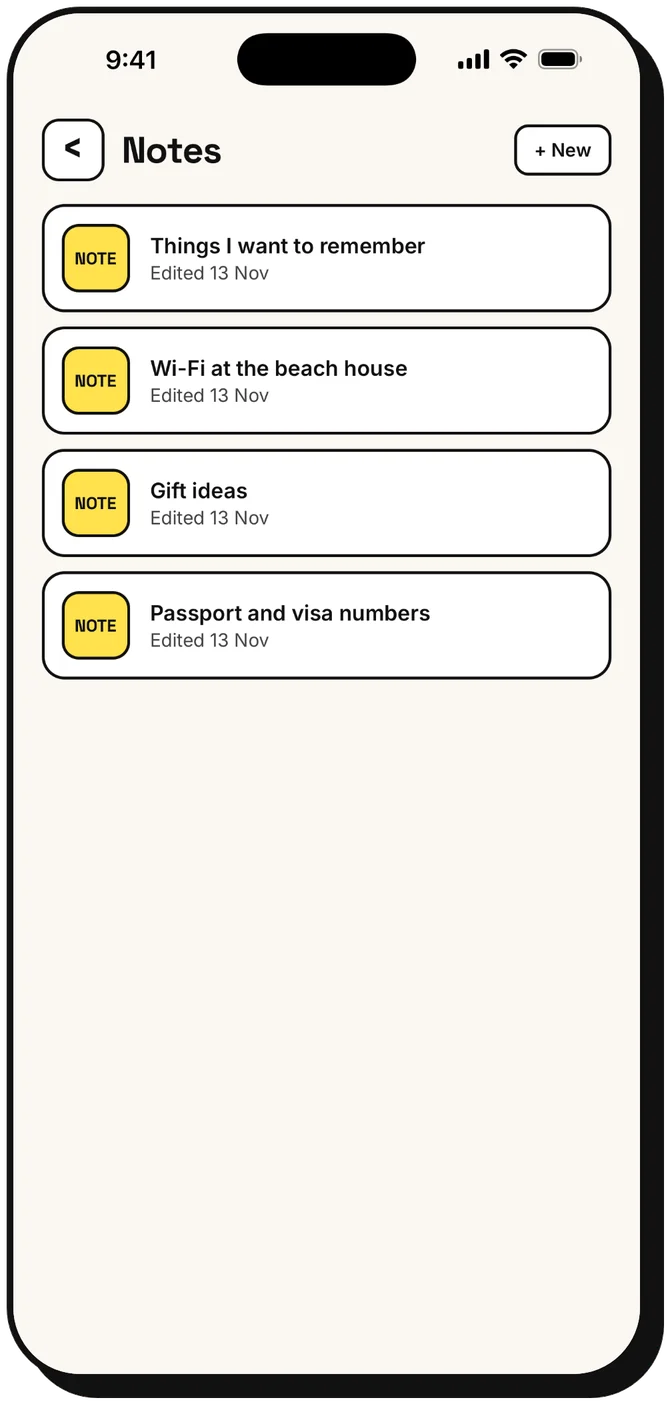
Private, encrypted notes
Write the things you'd never put in a normal notes app. Tuck encrypts every note on your phone the moment you save it, behind its own passphrase, with no account or cloud sync to a company.
A private vault for your documents
Keep passports, licences, contracts and scans encrypted on your phone. Scan with the camera or import files and PDFs, sort them into folders, and back them up to your own cloud, encrypted.
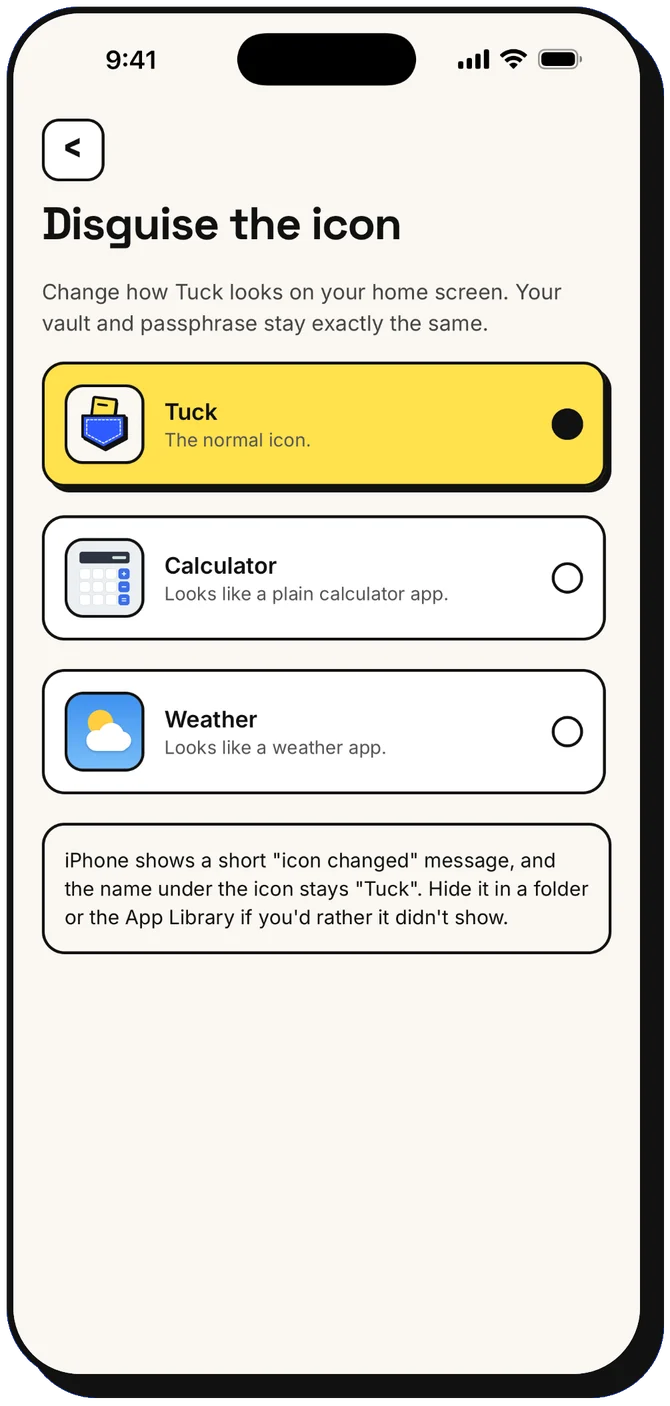
A disguise icon for your vault
Swap Tuck's home screen icon for a plain Calculator or Weather icon, so your private vault blends in. Behind it, everything is still encrypted with your own passphrase.
Your stuff. Your phone. Nobody else.
Free for 3 days. Every feature unlocked.