 Tuck
Quick answer: open the video in Photos, tap ..., then Hide. It moves to the Hidden album, locked with Face ID, Touch ID or your passcode. For videos you want private from anyone who knows your passcode, use a vault with its own passphrase.
Hide a video with the Hidden album
- Open Photos and select the video (or several).
- Tap ... and choose Hide.
- To stop the Hidden album showing at all, go to Settings > Apps > Photos and turn off Show Hidden Album.
Hidden videos stay in iCloud Photos and sync to your other Apple devices. They're end-to-end encrypted in iCloud only if you've turned on Advanced Data Protection. (Apple)
Check the other places a video lives
Hiding a video in Photos doesn't touch copies elsewhere:
- Messages and WhatsApp keep their own copies of videos you sent or received.
- Files and cloud apps like Google Drive or Dropbox may have synced copies.
- Recently Deleted keeps deleted videos for 30 days. Empty it if you've deleted the original.
Use an encrypted vault for private videos
A vault keeps videos in its own encrypted storage, behind its own passphrase, so your iPhone passcode alone won't open them. See the Hidden album vs a vault app comparison for the full trade-off.
How to hide videos on iPhone with Tuck
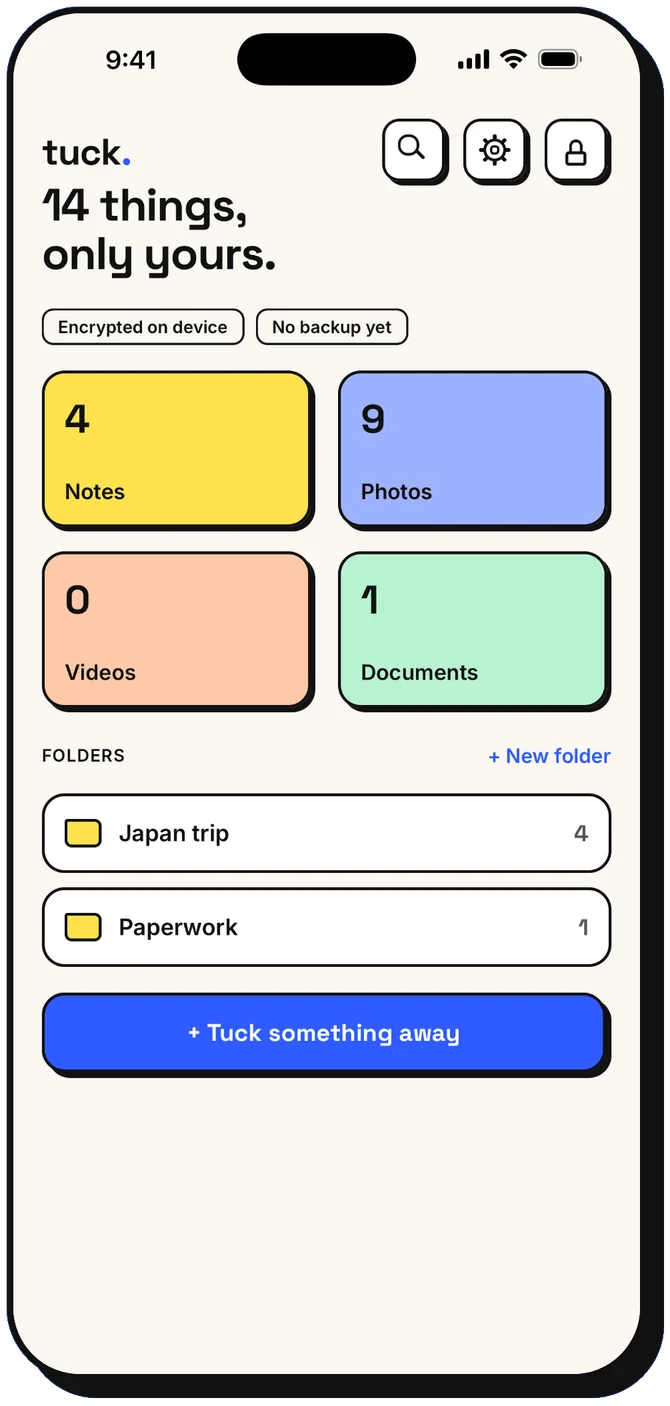
- Open Tuck and tap Tuck something away.
- Choose the videos from your library, or record straight into Tuck so the video never reaches your camera roll.
- Let Tuck remove the originals from your library, then empty Recently Deleted.
- Turn on backup to keep an encrypted copy in your own iCloud.
Tuck plays videos without writing them to disk unencrypted, and opens with Face ID, so it's as quick as the Photos app.
FAQ
Can I lock a single video on iPhone?
Not with a separate password in the Photos app. The Hidden album uses your phone's own lock. A vault app like Tuck gives it its own passphrase.
Do hidden videos take up iCloud storage?
Yes. Hidden videos still count towards your iCloud storage if iCloud Photos is on. Videos in Tuck's backup count towards your iCloud storage too, encrypted.
How do I record a video without it saving to my camera roll?
Record from inside a vault app. In Tuck, use the camera when you tuck something away and the video is saved straight into the encrypted vault.