 Tuck
If you have a Samsung Galaxy phone, Secure Folder is already there. It's a separate, locked space for photos, files and even apps, protected by Samsung Knox. For many Galaxy owners it's enough. Three things are worth knowing before you put everything in it.
In short: Secure Folder is a good free choice if you'll stay on Samsung. Use an encrypted vault app if you want backups, no Samsung account, or the freedom to switch phones.
| Samsung Secure Folder | Tuck | |
|---|---|---|
| Price | Free on supported Galaxy phones | 3-day free trial, then $3.99/week, $7.99/month or $49.99 once |
| Phones | Samsung Galaxy (some older models no longer supported) | Any Android phone, and iPhone |
| Account | Samsung account needed | None |
| Lock | PIN, password or pattern, plus fingerprint | Passphrase, plus fingerprint or Face ID |
| Encryption | Samsung Knox | XChaCha20-Poly1305, key from your passphrase via Argon2id |
| Forgot the lock | Reset with your Samsung account | 24-word recovery key; nobody else can reset it |
| Backup | New backups no longer supported; restore old backups only | Encrypted first, to your own Google Drive or iCloud |
| Moving to a new phone | Smart Switch, Samsung to Samsung | Restore your backup with your passphrase |
| Holds | Photos, videos, files, and separate copies of apps | Photos, videos, notes, documents |
Secure Folder facts are from Samsung's support pages (US, UK), checked 19 November 2026.
What Secure Folder does well
Secure Folder has its own lock, separate from your phone's, so someone who knows your screen PIN can't open it. Samsung says it's protected by its Knox security platform, which encrypts the data stored there. It can also hold second copies of apps, like a private WhatsApp or browser, which a photo vault can't.
Three things to know
- It needs a Samsung account. Samsung asks you to sign in or create one when you set it up, and a forgotten lock can be reset through that account. Convenient, and it also means your lock isn't the only way in.
- Backups are no longer supported. Samsung's US support page says backing up Secure Folder data is no longer supported; you can only restore older backups. If the phone is lost or broken, what's in Secure Folder may go with it. Smart Switch can move it to a new Samsung phone, if you still have the old one.
- It's Samsung only. Switching to a Pixel or an iPhone means moving everything out first.
When a vault app makes more sense
If you want a backup you can count on, no account, or a vault that moves with you across brands, use an app that encrypts on the phone and backs up to your own cloud.
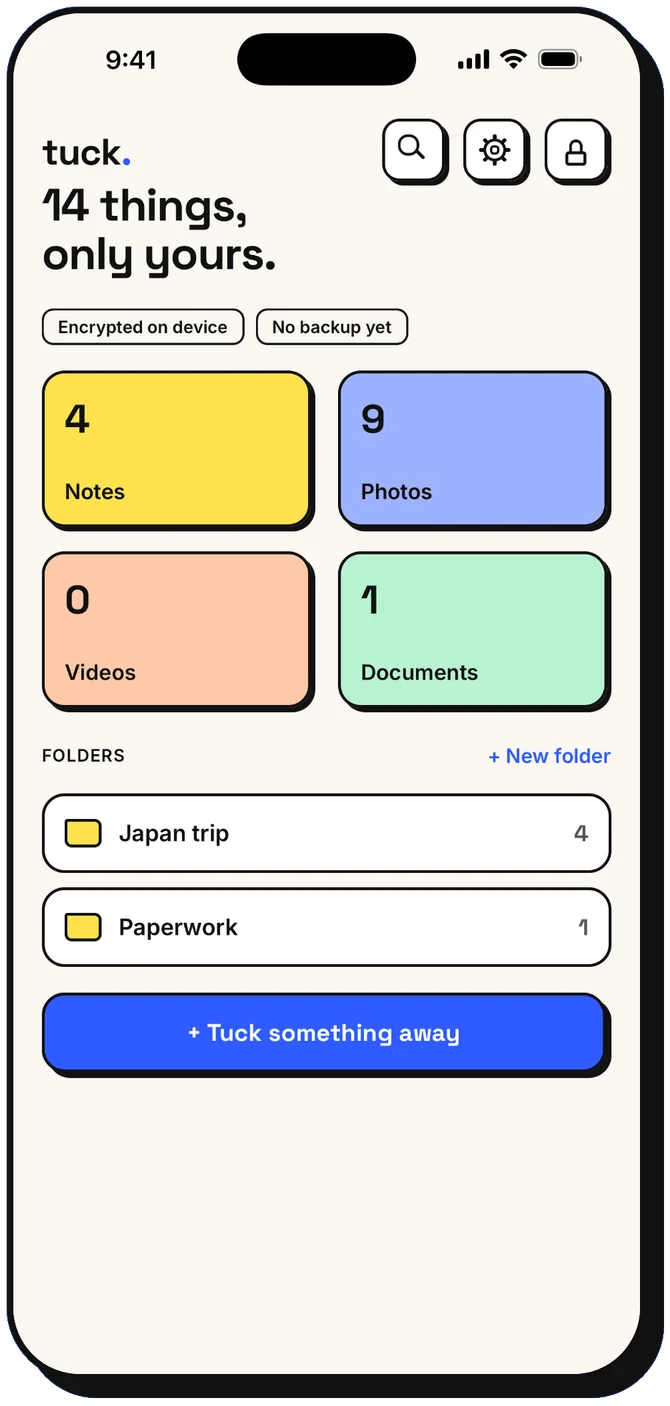
Tuck encrypts every file with a key made from your passphrase, and backs up to a private app folder in your own Google Drive, encrypted first. Nobody, including us, can reset your passphrase or open your vault.
FAQ
Is Samsung Secure Folder safe?
It's protected by Samsung Knox and has its own lock, so it's a solid built-in option. It can be reset with your Samsung account, and new backups aren't supported, so weigh that against a vault with your own key and backups.
Can I back up Secure Folder?
Samsung's support page says new Secure Folder backups are no longer supported. You can restore older backups, or use Smart Switch to move it to a new Samsung phone.
What happens to Secure Folder if I switch to a non-Samsung phone?
It doesn't come with you. Move your photos out first, then into a cross-platform vault like Tuck.