 Tuck
Google Photos Locked Folder is the easiest way to hide photos on Android: it's free, already installed, and takes two taps. For a lot of people it's enough. It's worth knowing exactly what it does, though, because the lock is your phone's lock and the encryption is Google's.
| Google Photos Locked Folder | Tuck | |
|---|---|---|
| Price | Free | 3-day free trial, then $3.99/week, $7.99/month or $49.99 once |
| Where | Inside Google Photos, Android 6 and later | Separate app, Android and iPhone |
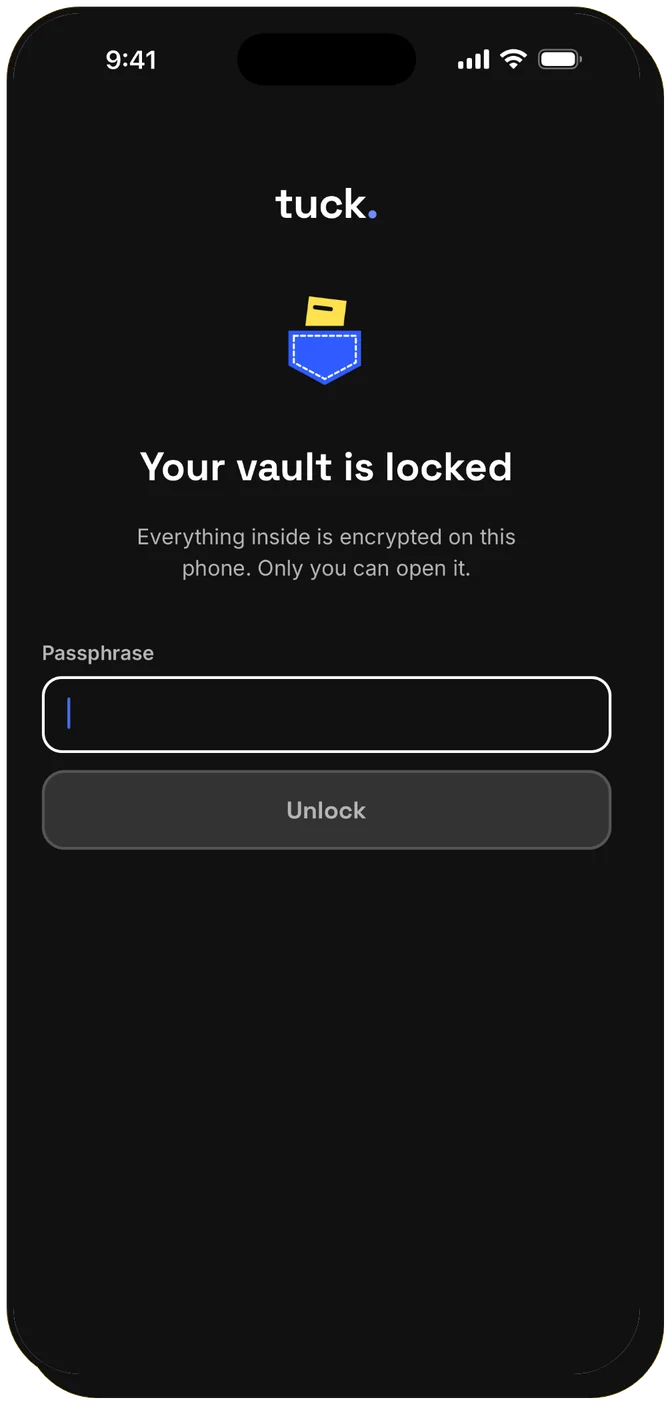
| Lock | Your phone's screen lock | Its own passphrase, plus fingerprint or Face ID |
| Encryption | Google's standard encryption | XChaCha20-Poly1305, key from your passphrase via Argon2id |
| Who could decrypt it | Google, for backed-up items | Only you |
| Backup | Optional, to Google Photos | Optional, encrypted first, to your own Google Drive or iCloud |
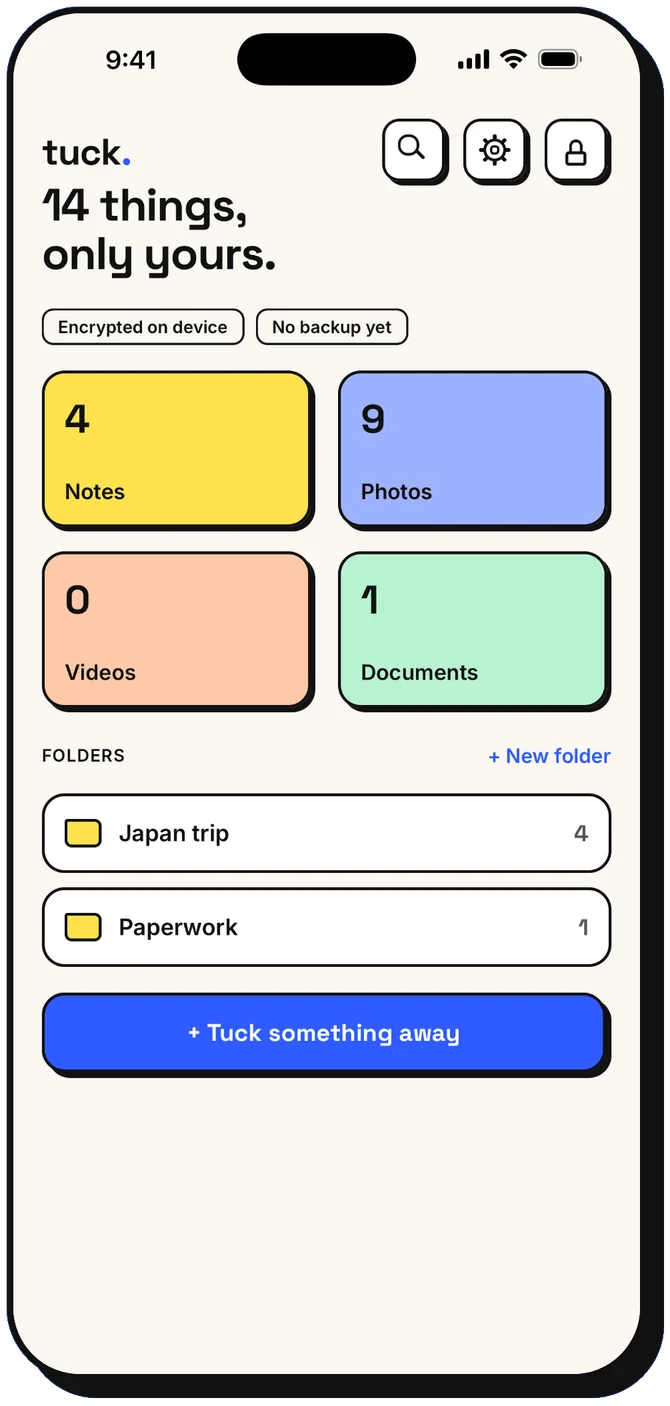
| Holds | Photos and videos | Photos, videos, notes, documents |
| Disguise | No | Calculator or Weather icon |
Locked Folder facts are from Google Photos Help, checked 17 November 2026.
What Locked Folder does well
Photos you move into Locked Folder don't appear in your Google Photos library, in search, in memories, or in other apps that can see your photos. Opening the folder needs your screen lock. Since 2023 you can also choose to back it up, so the photos survive a lost phone.
What it doesn't do
- It uses your phone's PIN. Anyone who knows your screen lock, like a partner or a kid who's watched you type it, can open Locked Folder.
- Backups aren't end-to-end encrypted. Google describes Locked Folder as protected by "Google Photos' standard encryption practices". That protects against outsiders, but it isn't a key only you hold.
- It's photos only, inside Google Photos. Notes, scans and documents need somewhere else.
When a vault app makes more sense
Use an encrypted vault if you want a lock that's separate from your phone's PIN, or you don't want a copy of the photos readable on any company's servers, including Google's.
With Tuck, every file is encrypted on your phone with a key made from your passphrase. Backups are encrypted before they're uploaded to a private app folder in your own Google Drive, so Google only stores scrambled data.
Moving photos from Locked Folder to Tuck
- In Google Photos, open Locked Folder, select the photos and choose Move to put them back in your library.
- Open Tuck, tap Tuck something away, and select them.
- Let Tuck remove the originals from your gallery. Check Google Photos' trash and backup settings so no copy stays in the cloud.
FAQ
Is Google Photos Locked Folder encrypted?
Google says it's protected by its standard encryption practices. It's not described as end-to-end encrypted, so treat backed-up items as readable by Google.
Does Locked Folder back up?
It can, if you turn backup on for it. Without backup, Locked Folder photos are only on that phone and are lost if you lose it or uninstall Google Photos.
Is Locked Folder on iPhone?
Google's help page describes Locked Folder on Android 6 and later. On iPhone, Apple's Hidden album is the built-in equivalent; see how to hide photos on iPhone.