 Tuck
There are four common ways to hide photos on an Android phone. They range from "out of sight in the gallery" to "encrypted so nobody can open them without your passphrase". The right one depends on who you're hiding them from.
Quick answer: to keep photos out of your gallery and away from someone scrolling through your phone, Google Photos Locked Folder works and is free. To keep them private from anyone who gets into the phone, the cloud, or a backup, use an app that encrypts the photos on your phone before saving them.
| Method | Hides from gallery | Needs a separate lock | Encrypted with your own key | Backup |
|---|---|---|---|---|
| Gallery "hide" option | Yes | Usually no | No | Varies |
| Google Photos Locked Folder | Yes | Screen lock | No (Google's standard encryption) | Optional, to Google Photos |
| Samsung Secure Folder | Yes | Yes | Device encryption | Samsung Cloud, varies by model |
| Encrypted vault app (like Tuck) | Yes | Yes | Yes | Optional, encrypted first |
1. Use your gallery app's hide option
Many phone makers' gallery apps can hide an album or move photos to a hidden area. The steps differ by brand, so look in the album's menu for "Hide" or in the gallery settings.
This is fine for keeping a photo off the main grid. It's not protection: anyone who knows where the hidden albums setting is can show them again, and the files are still ordinary images on the phone's storage.
2. Move them to Google Photos Locked Folder
Google Photos has a built-in Locked Folder on Android 6 and later. Photos you move there don't show up in your main library, in search, or in other apps, and opening the folder needs your phone's screen lock.
- Open Google Photos and go to Collections.
- Tap Locked Folder and follow the setup.
- Select photos in your library, open the menu and choose Move to Locked Folder.
Since 2023 you can choose to back up Locked Folder to Google Photos. Google says it's protected by its "standard encryption practices". That means it's encrypted on Google's side, not end-to-end encrypted with a key only you hold. (Google Photos Help)
The catch: the lock is your phone's screen lock. Anyone who knows your PIN, like a partner or a kid, can open it.
3. Use Samsung Secure Folder
On Samsung Galaxy phones, Secure Folder is a separate, locked space with its own copy of apps like Gallery. It uses its own PIN, pattern or fingerprint, so knowing the phone's PIN isn't enough.
It's a solid option if you only ever use Samsung phones. Moving to another brand of Android, or to an iPhone, means moving everything out first.
4. Use an encrypted photo vault app
A vault app moves photos out of your gallery into its own storage, behind its own lock. The good ones encrypt each file on your phone with a key made from your passphrase, so the files are unreadable without it, even if someone copies the phone's storage or gets into your cloud account.
Not every app called a "vault" does this. Some only hide files or protect them with a 4-digit PIN. Our guide to whether photo vault apps are safe shows what to check.
How to hide photos on Android with Tuck
Tuck is the vault we make. It works the same on Android and iPhone.
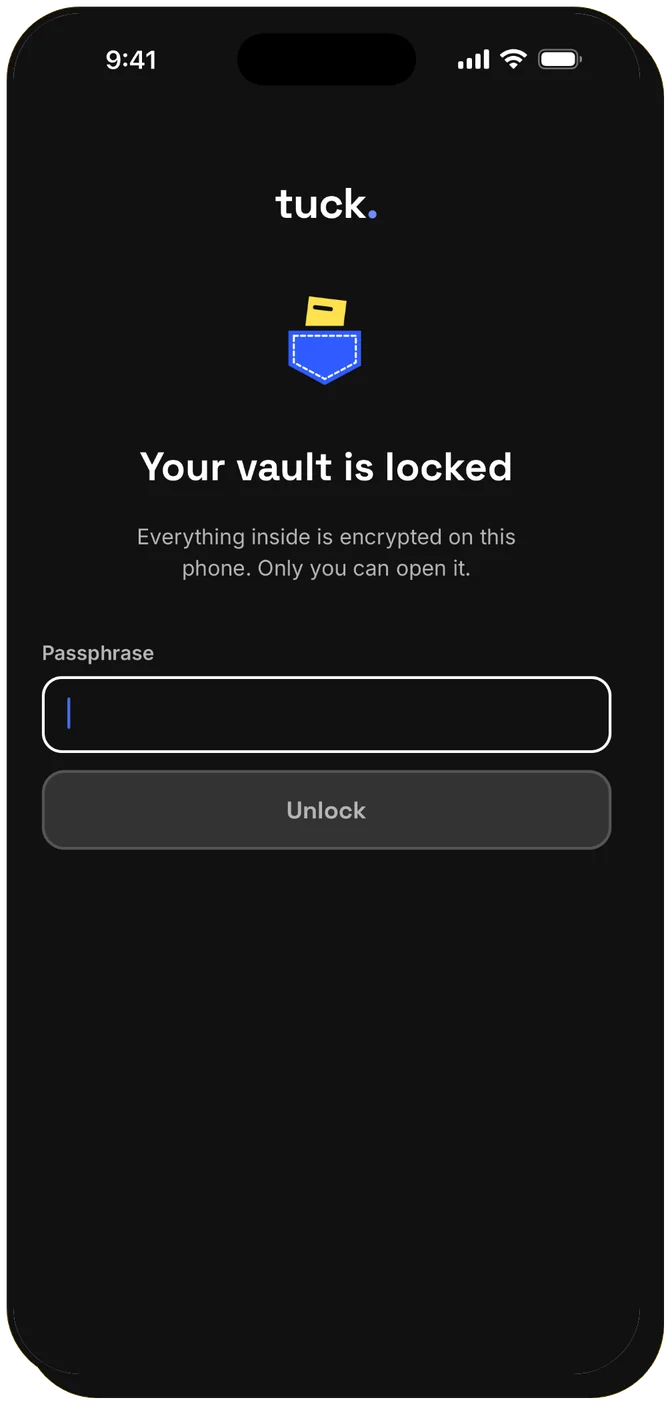
- Install Tuck from Google Play and create your vault with a passphrase. You'll get a 24-word recovery key; keep it somewhere safe.
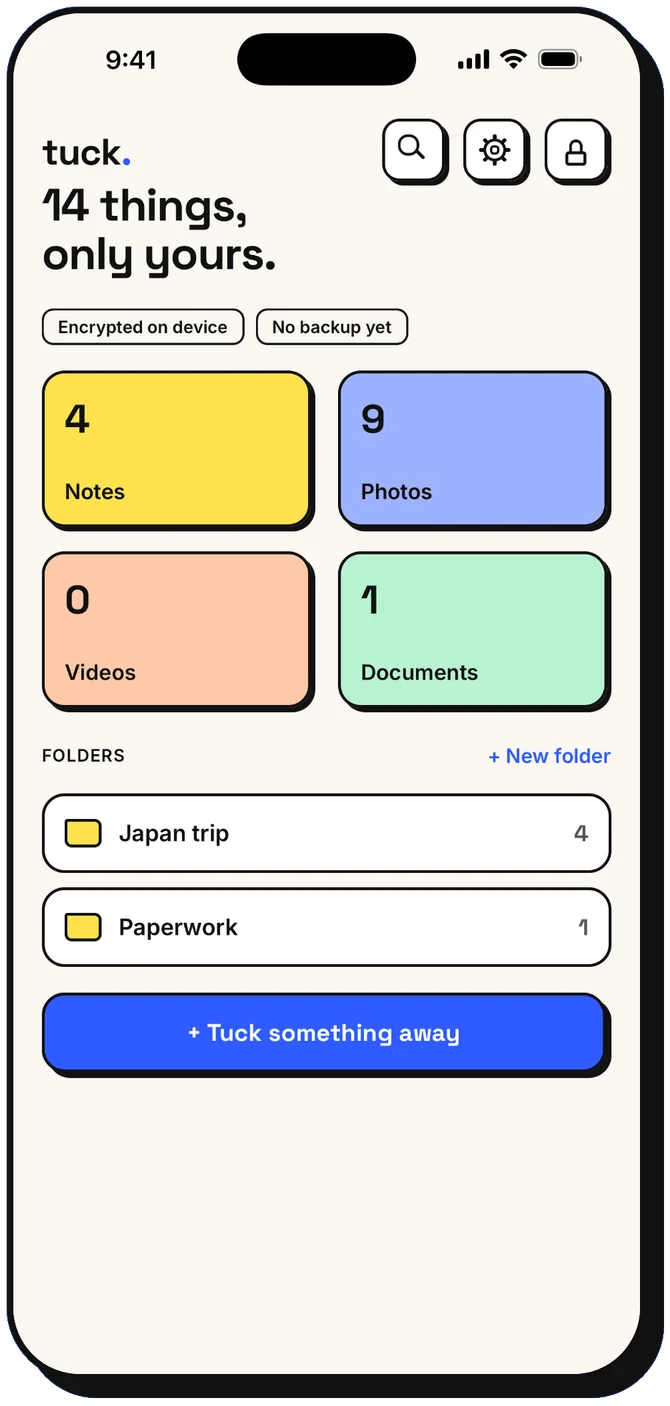
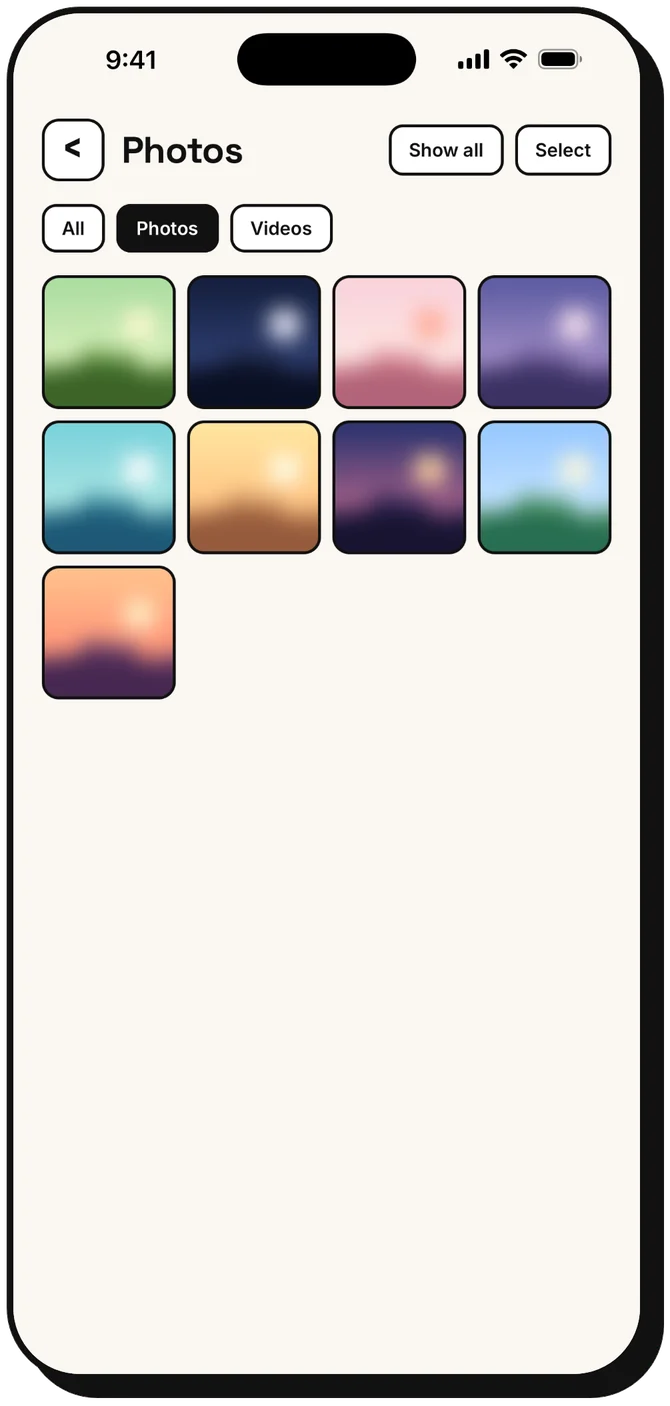
- Tap Tuck something away, pick photos or videos from your gallery, and choose to remove the originals from the gallery.
- Turn on fingerprint unlock and, if you like, a disguise icon so Tuck looks like a Calculator or Weather app.
- Turn on backup. Your vault is encrypted on the phone first, then saved to a private app folder in your own Google Drive.
Every photo is encrypted with XChaCha20-Poly1305 using a key derived from your passphrase with Argon2id. There's no Tuck account and no Tuck server, so we can't see your photos, and nobody can reset your passphrase except you with your recovery key.
FAQ
Can I hide photos on Android without an app?
Yes. Use your gallery's hide option or Google Photos Locked Folder, both built in. They keep photos out of sight but don't encrypt them with a key only you hold.
Does Locked Folder back up to the cloud?
It can. Since 2023 Google Photos lets you turn on backup for Locked Folder. It's off unless you choose it, and it uses Google's standard encryption rather than end-to-end encryption.
What's the most private way to hide photos on Android?
An app that encrypts photos on the phone with your own passphrase and has no account or company server, like Tuck. Then the photos stay unreadable even if someone gets into your phone's storage or your cloud account.
Will hidden photos be deleted if I uninstall the app?
With most vault apps, yes, unless you have a backup. Turn on backup in Tuck before you uninstall or switch phones, and restore with your passphrase.