 Tuck
Your regular notes app syncs to a company's cloud, shows up in search, and opens with your phone's passcode. That's fine for shopping lists. It's not where you want a journal, passwords you're not ready to put in a password manager, or notes about health, money or relationships.
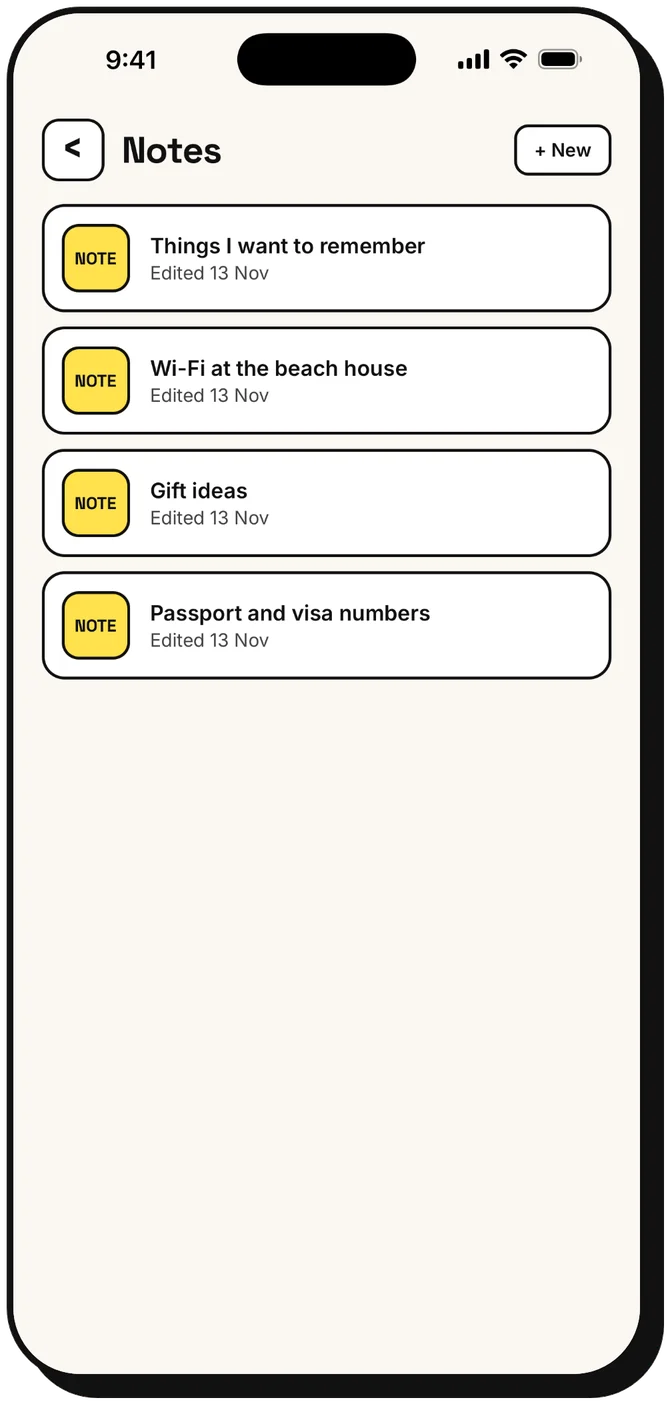
Tuck keeps private notes in the same encrypted vault as your photos and documents.
What you get
- Encrypted the moment you save. Each note is sealed with XChaCha20-Poly1305 using a key made from your passphrase. On disk, it's unreadable without it.
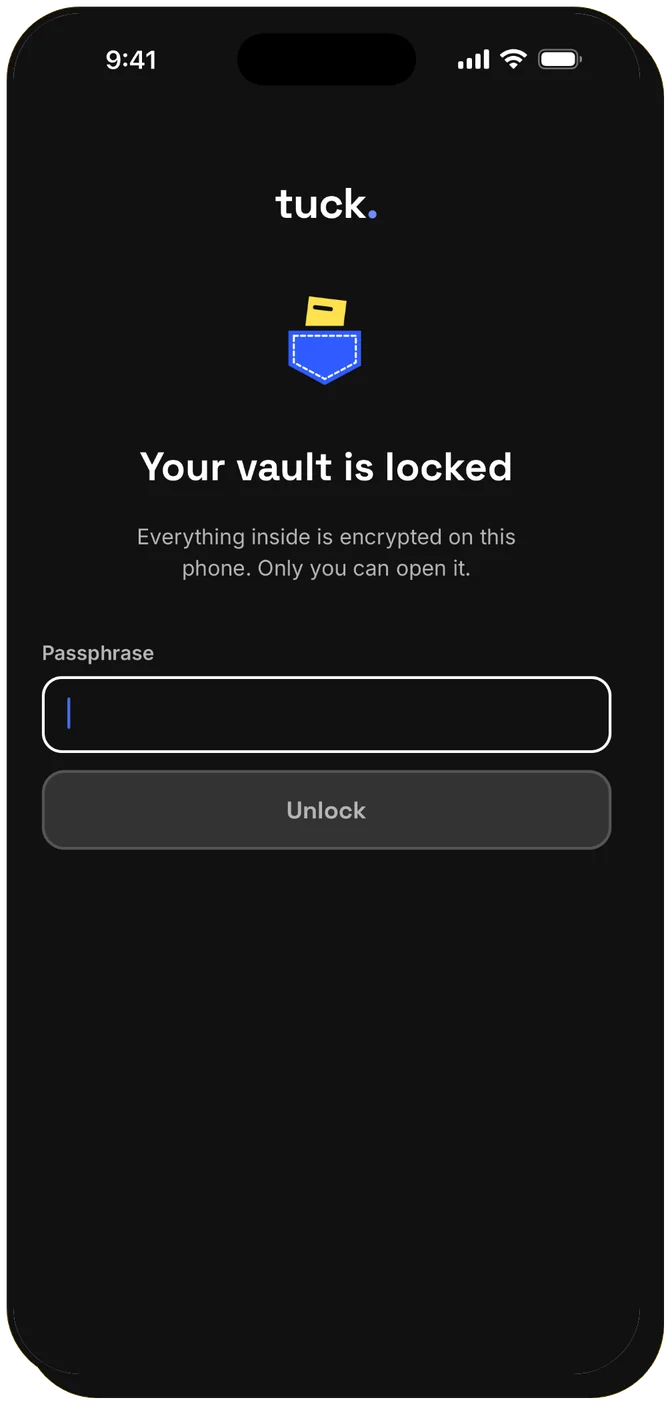
- Its own lock. Tuck opens with your passphrase, or Face ID or fingerprint for convenience. Your phone's passcode alone won't open it.
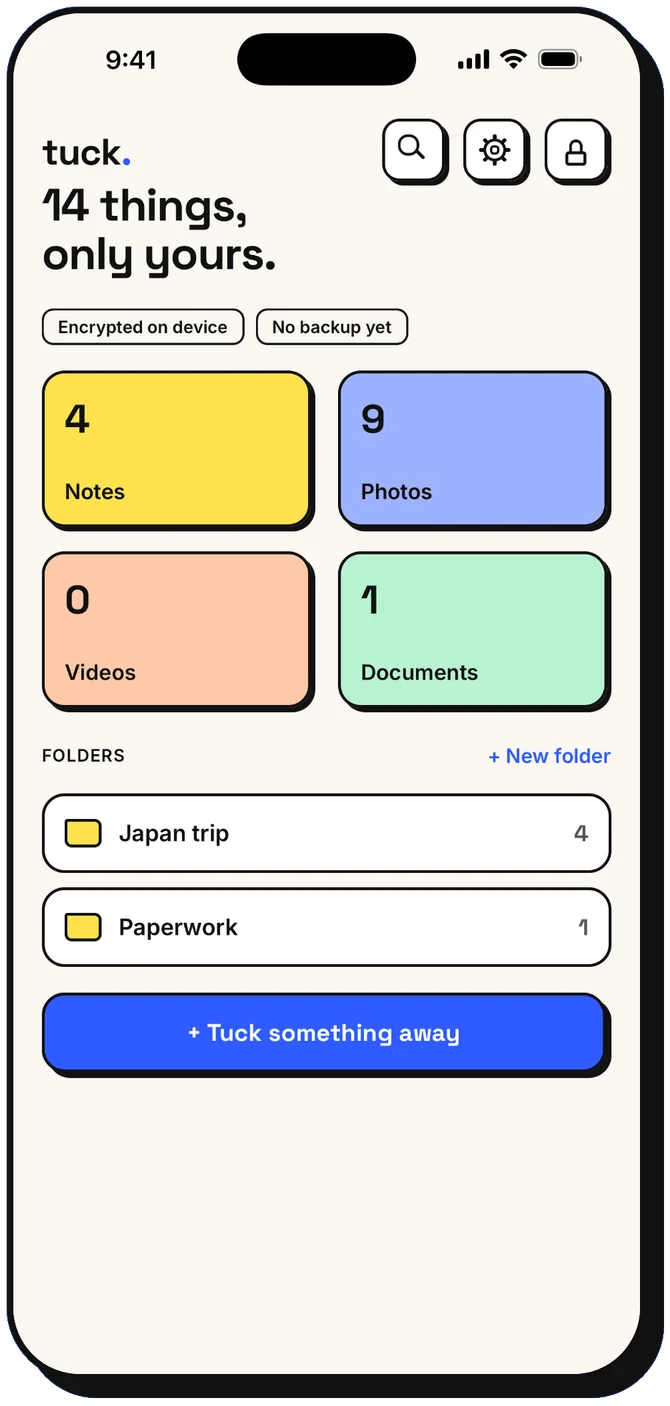
- Folders and search. Sort notes into folders alongside photos and documents, and search across everything once the vault is unlocked.
- Locks itself. Tuck locks when you leave the app and hides its contents in the app switcher.
- No account. No sign-up, no email, no Tuck server. We never see your notes.
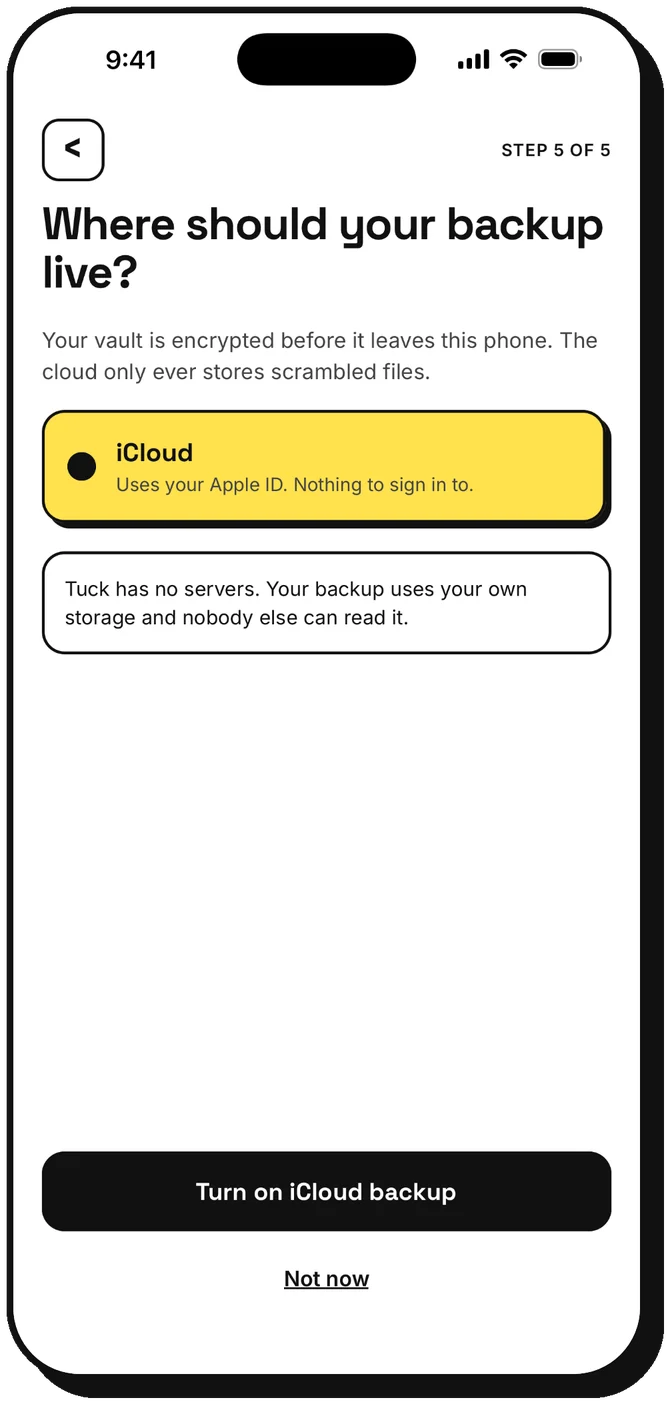
- Optional backup. Notes are included in your encrypted backup to your own iCloud or Google Drive.
Tuck notes vs locked notes in your notes app
| Tuck | Locked notes in a typical notes app | |
|---|---|---|
| Separate lock from your phone | Yes, its own passphrase | Varies; often your phone passcode or account password |
| Encrypted with a key only you have | Yes | Varies by app |
| Synced to a company cloud | No, backups go to your own cloud, encrypted | Usually |
| Lives next to private photos and documents | Yes | No |
FAQ
Is there a notes app that's fully private?
Look for one that encrypts on the phone with your own key and has no company server. Tuck works that way, and keeps notes with your private photos and documents.
Can I lock individual notes in Tuck?
Everything in Tuck is behind the vault's lock and encrypted individually. There's no need to lock notes one by one.
Can Tuck recover a note if I forget my passphrase?
Yes, with your 24-word recovery key. Without the passphrase or the recovery key, nobody can open the vault, including us.