 Tuck
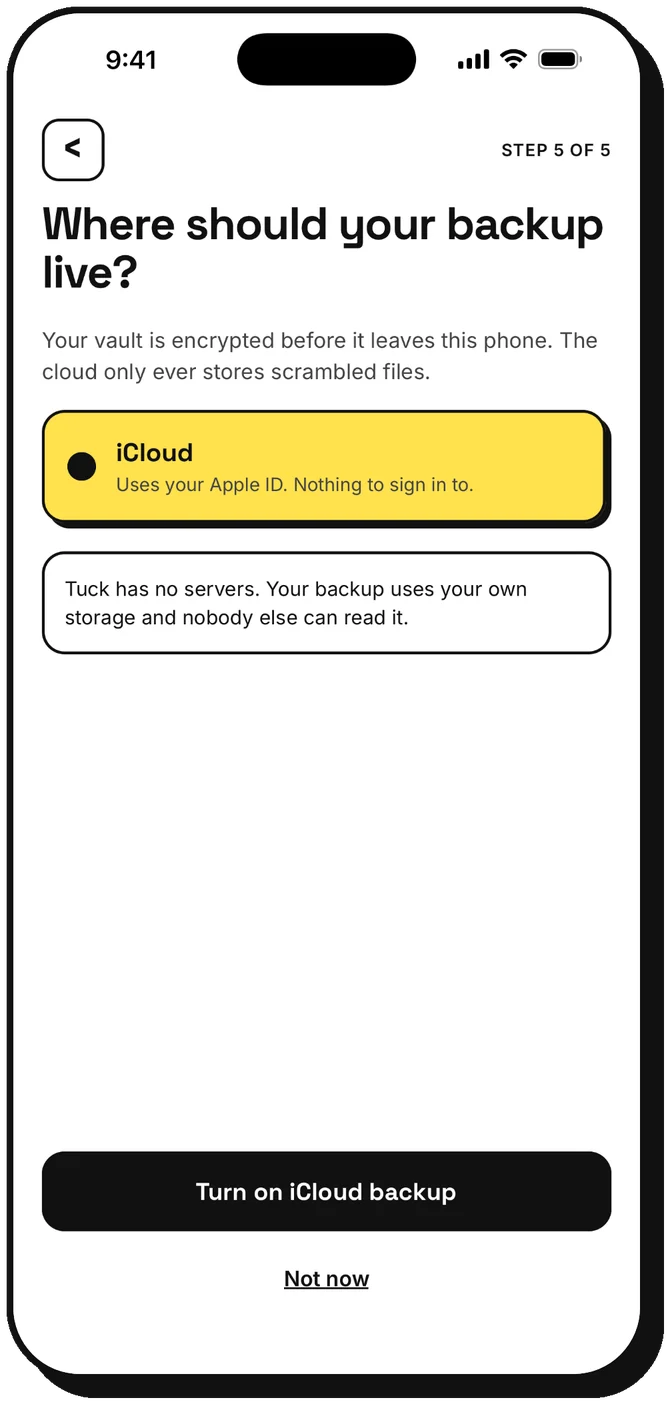
Most photo vaults make you choose: no backup, so a lost phone means lost photos, or a backup on the company's own servers. Tuck does neither. It backs up to your own cloud, and encrypts everything on your phone before it leaves.
How it works
- Your vault is already encrypted. Every photo, video, note and document in Tuck is sealed with XChaCha20-Poly1305, using a key made from your passphrase with Argon2id.
- Backup copies those encrypted files. On iPhone they go to a private Tuck folder in your iCloud. On Android they go to a private app folder in your Google Drive.
- Nobody else can read them. Apple and Google store only scrambled data. Tuck has no servers, so we never get a copy at all.
| Tuck backup | Typical photo backup | Vault with its own cloud | |
|---|---|---|---|
| Where files are stored | Your own iCloud or Google Drive | Your own iCloud or Google Photos | The app company's servers |
| Encrypted before upload with your key | Yes | No, unless you turn on Apple's Advanced Data Protection | Depends on the app |
| Who could read it | Only you | You, and the provider | Possibly the company |
| Account with the vault company | None | None | Usually |
Restore on a new phone
- Install Tuck on the new phone.
- Tap I already have a vault.
- Make sure you're signed in to the same iCloud (iPhone) or Google account (Android).
- Enter your passphrase. Your vault comes back, still encrypted.
If you've forgotten your passphrase, your 24-word recovery key works too.
You stay in control
- Turn it on or off any time in Tuck's Settings, and back up on demand with Back up now.
- Delete it with the vault: deleting your vault in Settings erases it on the phone and its backup in your cloud.
- It's in your account, so it counts towards your iCloud or Google storage, and you can see it there.
FAQ
Can Apple or Google see my Tuck backup?
No. Your vault is encrypted on your phone before upload, so iCloud and Google Drive only store scrambled files.
Does Tuck have its own cloud?
No. Tuck has no servers. Backups go only to your own iCloud or Google Drive.
Can I restore an iPhone backup on Android?
Not yet. iPhone backups live in iCloud and Android backups in Google Drive. Moving a vault between platforms is on our roadmap.