 Tuck
A vault with no backup is one dropped phone away from losing everything. A vault with the wrong backup quietly undoes its own privacy. Here's how to get both right.
Quick answer: back up a vault that encrypts files on your phone before upload, so the cloud only ever stores scrambled data. Keep the backup in your own iCloud or Google Drive, and make sure you can open it on a new phone.
The three kinds of vault backup
| Backup type | Who can read it | Example |
|---|---|---|
| No backup | Only you, until you lose the phone | Many free vault apps |
| Company cloud | Possibly the company, depending on its encryption | Vaults with their own sync service |
| Encrypted on the phone, stored in your own cloud | Only you | Tuck |
Ordinary photo backup (iCloud Photos, Google Photos) falls in between: protected by your account, readable by the provider unless you turn on Apple's Advanced Data Protection. (Apple)
What to check in your vault's backup
- Is it encrypted before it leaves the phone? Look for wording like "encrypted on your device" or "end-to-end encrypted".
- Where does it go? Your own iCloud or Google Drive means you control it and can delete it. A company's servers means trusting the company.
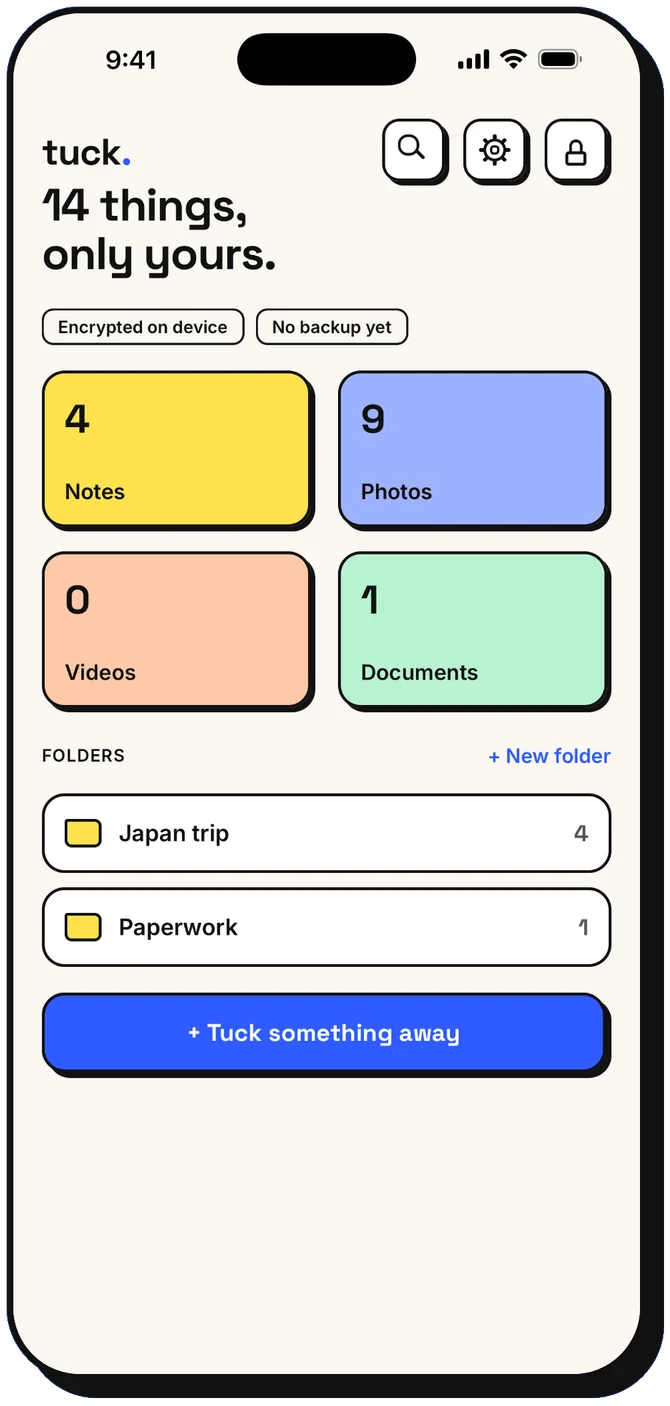
- Does it include videos and documents, not just photos?
- Can you restore it? Find out what you need on a new phone: usually the same cloud account plus your password.
Test your restore once
The only backup you can trust is one you've restored. If you have an old phone or a spare device, try restoring your vault on it once. At minimum, check the app shows a recent backup date.
How backup works in Tuck
- In Tuck's Settings, turn on backup.
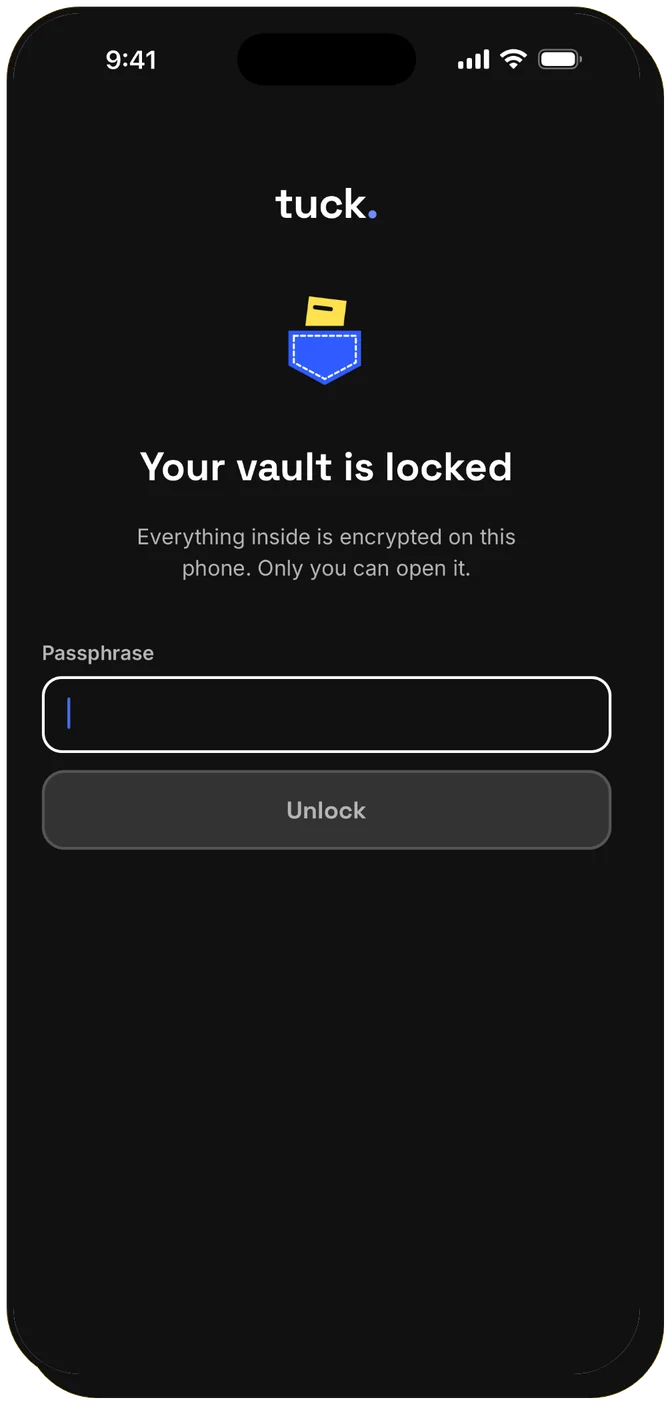
- Tuck encrypts your vault on your phone, then saves it to a private app folder in your own iCloud (iPhone) or Google Drive (Android).
- Apple and Google only ever store scrambled files. Tuck has no servers and never gets a copy.
- On a new phone, install Tuck, tap I already have a vault, sign in to the same iCloud or Google account, and enter your passphrase.
FAQ
Is it safe to back up private photos to Google Drive?
It's safe if they're encrypted on your phone first, so Drive only stores scrambled files. A normal Drive upload is protected by your Google account but readable by Google.
Does iCloud backup include my photo vault?
Your iPhone backup may include an app's data, but how it's protected depends on the app. Tuck's vault is always encrypted with your passphrase before it reaches iCloud.
What happens to my backup if I delete the vault?
In Tuck, deleting the vault from Settings erases it on your phone and its backup in your cloud. It can't be undone.