 Tuck
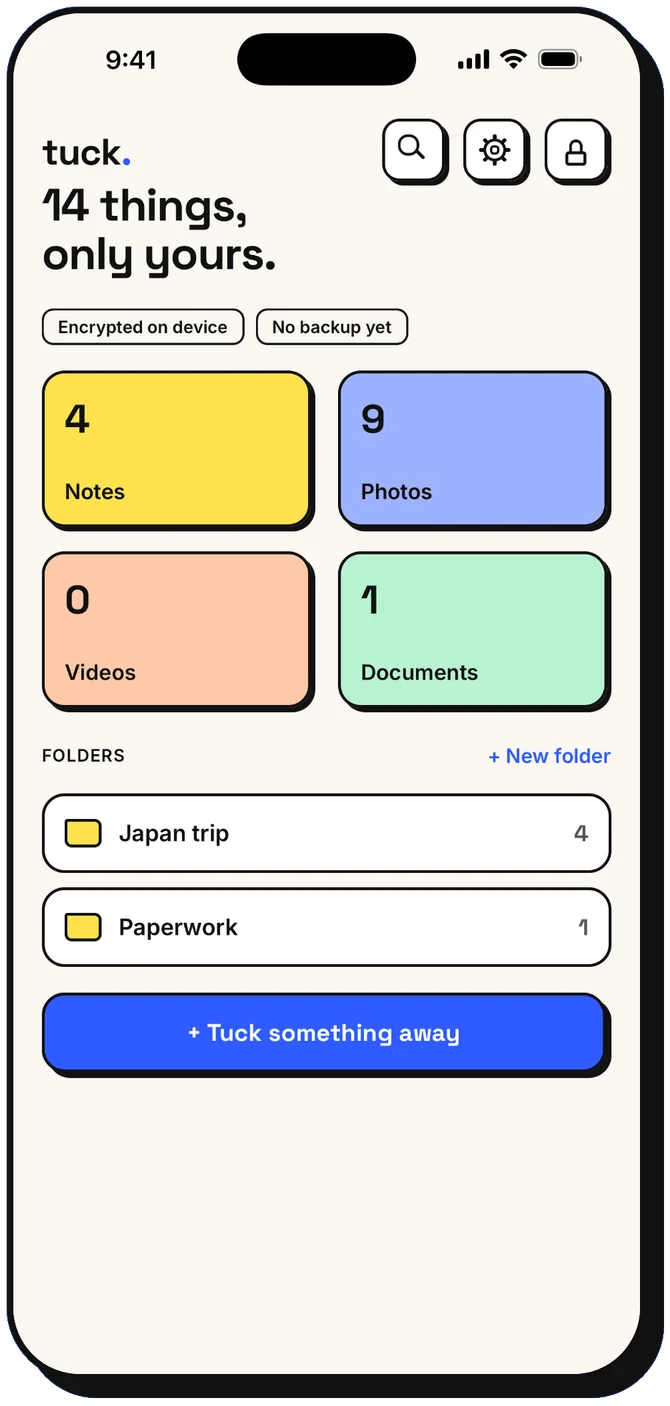
Gallery Vault is one of the most downloaded vaults on Google Play, with 50M+ installs and a 4.5-star rating. It can hide its own icon, show fake content for a fake passcode, and photograph intruders. Tuck is newer, with fewer features, and a stricter line on privacy: no ads, no third-party sharing, and encryption it names.
In short: pick Gallery Vault for fake passcodes, break-in alerts and a free start. Pick Tuck for a vault with no ads or tracking, encrypted backups in your own Google Drive, and an iPhone version.
| Tuck | Gallery Vault | |
|---|---|---|
| Developer | Tuck | GalleryVault Developer Team (HongKong Daocheng Network Technology) |
| Platforms | Android, iPhone | Android |
| Price (US) | 3-day free trial, then $3.99/week, $7.99/month or $49.99 once | Free, with a paid Pro version |
| Ads | None | Yes |
| Encryption | XChaCha20-Poly1305, key from your passphrase via Argon2id | "The hidden files are all encrypted"; algorithm not named |
| Google Play Data safety | Purchase history only | May share app activity, performance data and device IDs; may collect location and personal info |
| Backup | Encrypted first, to your own Google Drive | Mentions cloud backup; its FAQ says files are stored only on your device |
| Fake passcode | Not yet | Yes, shows fake content |
| Break-in alerts | Not yet | Yes |
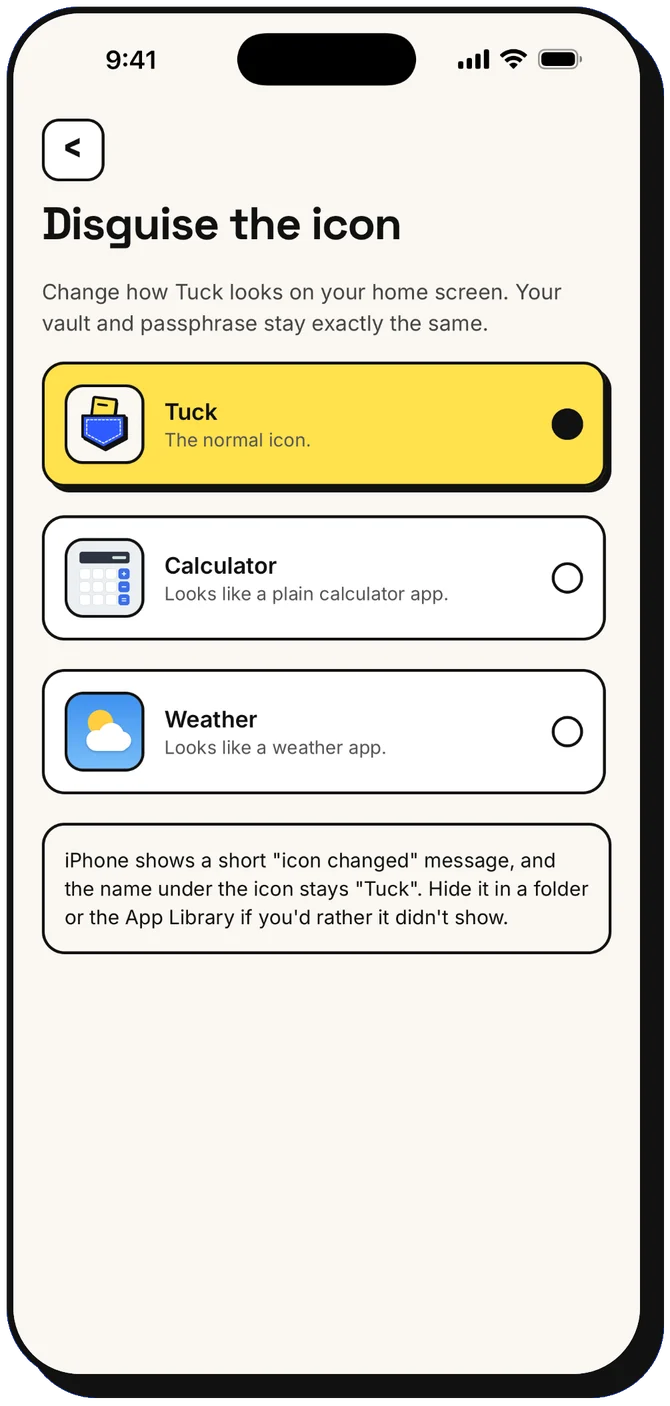
| Hide app icon | Calculator or Weather icon | Can hide its icon |
| Notes and documents | Yes | Private notes and documents |
Gallery Vault facts are from its Google Play listing and Data safety section, checked 19 November 2026.
Ads and data sharing
Gallery Vault is free with ads. Its Data safety section says it may share app activity, app performance data and device IDs with third parties, and may collect location and personal info.
Tuck has no ads and no third-party SDKs for advertising. Its only collected data is purchase history, to check your subscription.
Encryption and backup
Tuck derives a key from your passphrase with Argon2id and seals every file with XChaCha20-Poly1305. Backups are encrypted on the phone and stored in a private app folder in your own Google Drive, so a lost phone isn't a lost vault.
Gallery Vault says hidden files are encrypted but doesn't name how. Its FAQ says files are stored only on your device, so check its backup options before you rely on it.
Where Gallery Vault is ahead
- Fake passcode with fake content, and break-in alerts. Both are on Tuck's roadmap.
- SD card storage, useful on phones with little space.
- Free to start. Tuck has a 3-day trial, with a free tier coming in the next update.
FAQ
Is Gallery Vault safe?
It encrypts hidden files, but it shows ads, doesn't name its encryption, and its Data safety section lists data shared with third parties. Our vault safety checklist covers what to weigh.
Is Gallery Vault on iPhone?
Its Google Play listing is for Android. Tuck works on both Android and iPhone.
What's a Gallery Vault alternative with no ads?
Tuck has no ads and no third-party sharing, and works on Android and iPhone. It's paid after a 3-day free trial.