 Tuck
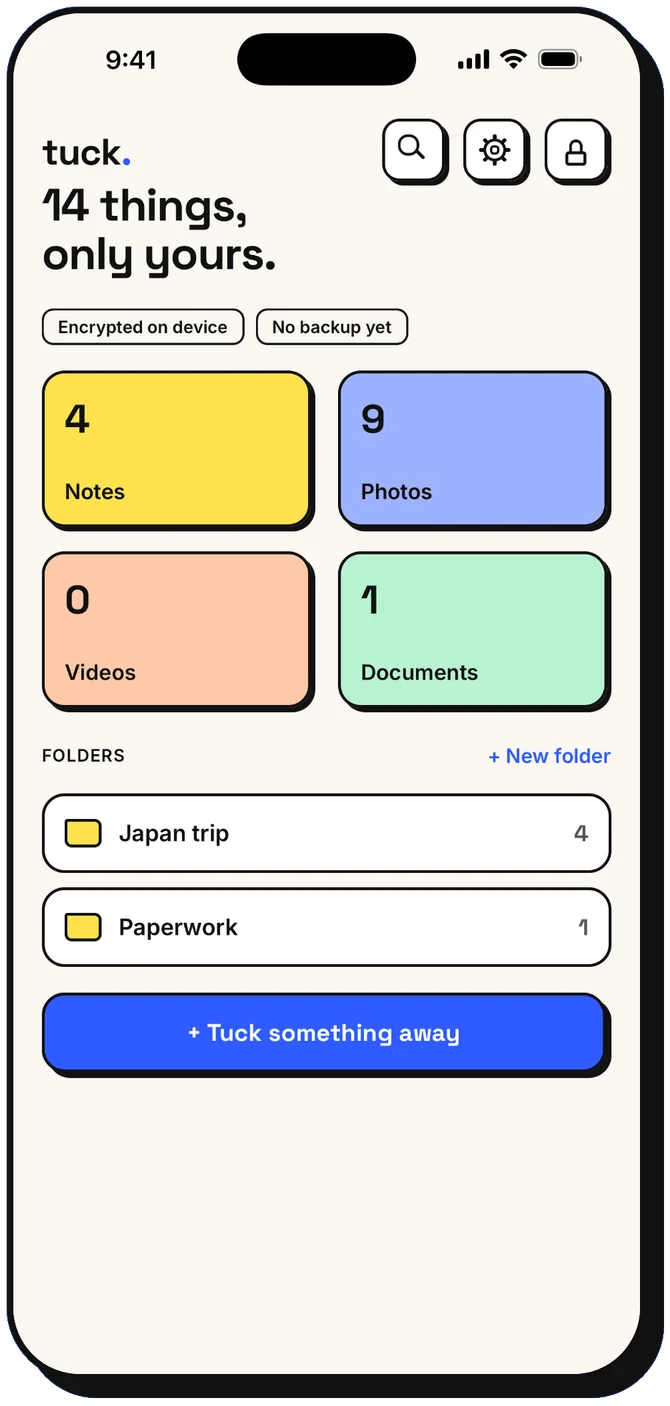
Vaulty, from Squid Tooth, has more than 10 million Android downloads and a 4.6-star rating. It's feature-rich: a working calculator disguise, intruder photos, a decoy vault and free online backup. Tuck has fewer features today, and is built around three things Vaulty doesn't offer: no ads, named encryption, and backups that stay in your own Google Drive.
In short: pick Vaulty for its feature list and free start. Pick Tuck if you'd rather not have ads or third-party data sharing in your vault, want to know how it's encrypted, or also use an iPhone.
| Tuck | Vaulty | |
|---|---|---|
| Platforms | Android, iPhone | Android |
| Price (US) | 3-day free trial, then $3.99/week, $7.99/month or $49.99 once | Free with in-app purchases |
| Ads | None | Yes |
| Encryption | XChaCha20-Poly1305, key from your passphrase via Argon2id | Not named on the listing |
| Backup | Encrypted first, to your own Google Drive or iCloud | "Free, automatic, online backup"; destination not stated |
| Google Play Data safety | Purchase history only | May share device IDs with third parties; may collect financial info |
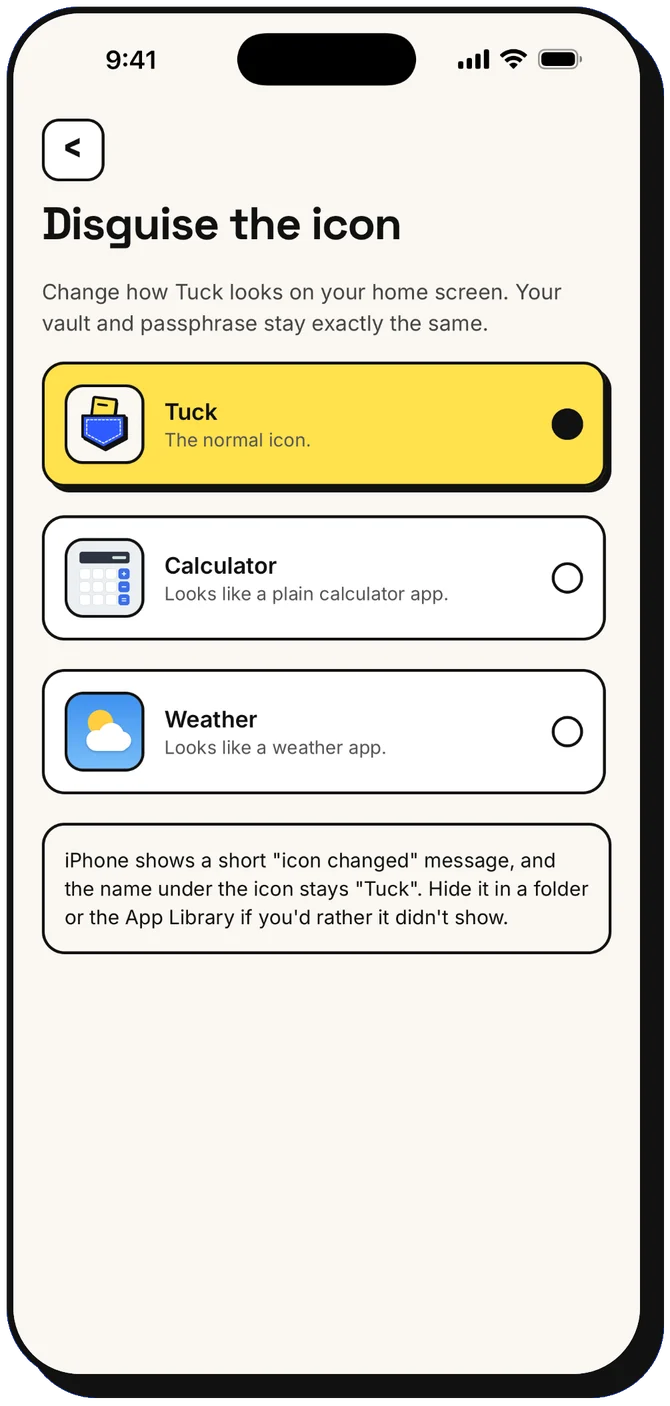
| Disguise | Calculator or Weather icon | Working calculator or stocks app |
| Intruder photo | Not yet | Yes |
| Decoy vault | Not yet | Yes, with a separate PIN |
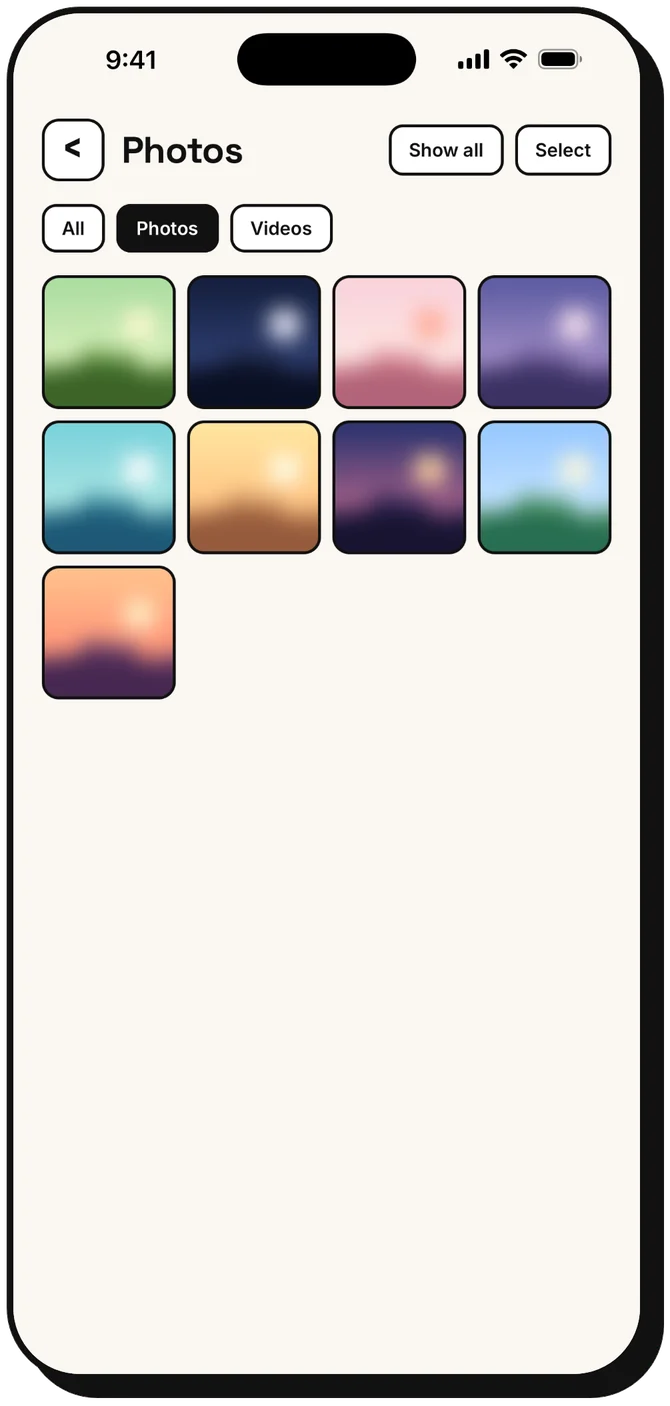
| Documents | Yes, with scanning | Yes (licences, ID cards, cards) |
| Notes | Yes | Not listed |
Vaulty facts are from its Google Play listing and Data safety section, checked 19 November 2026.
Where your backup goes
Vaulty offers free automatic online backup but its listing doesn't say where your files are stored. Tuck has no servers at all: backups are encrypted on your phone and saved to a private app folder in your own Google Drive, so Google only stores scrambled data and you can delete it any time.
Encryption you can check
Tuck names its encryption: Argon2id turns your passphrase into a key, and XChaCha20-Poly1305 seals every file. Because the key comes from your passphrase, we can't reset it. You get a 24-word recovery key instead.
Where Vaulty is ahead
- Intruder photos and a decoy vault. Both are on Tuck's roadmap.
- A disguise that works as a real calculator. Tuck's disguise is an icon.
- Free to start. Tuck has a 3-day trial, with a free tier coming in the next update.
FAQ
Is Vaulty safe?
It has strong features, but it shows ads, its listing doesn't name its encryption or say where backups go, and its Data safety section says it may share device IDs. See our vault safety checklist.
Does Vaulty work on iPhone?
Vaulty's listing is for Android. Tuck works on both Android and iPhone.
How do I move from Vaulty to Tuck?
Unhide or export your files from Vaulty back to your gallery, then open Tuck, tap Tuck something away, select them and let Tuck remove the originals.