 Tuck
Most of us have a photo of our passport or driver's licence somewhere on our phone, for travel, rentals or forms that ask for ID. It's handy. It's also exactly what someone needs to open accounts in your name.
Quick answer: keep ID scans out of your camera roll, in an encrypted vault with its own passphrase, and delete copies from email, chat apps and downloads once you've used them.
Why a photo of your ID is risky in the camera roll
- Every app with photo access can see it. Many apps ask for full library access and get it.
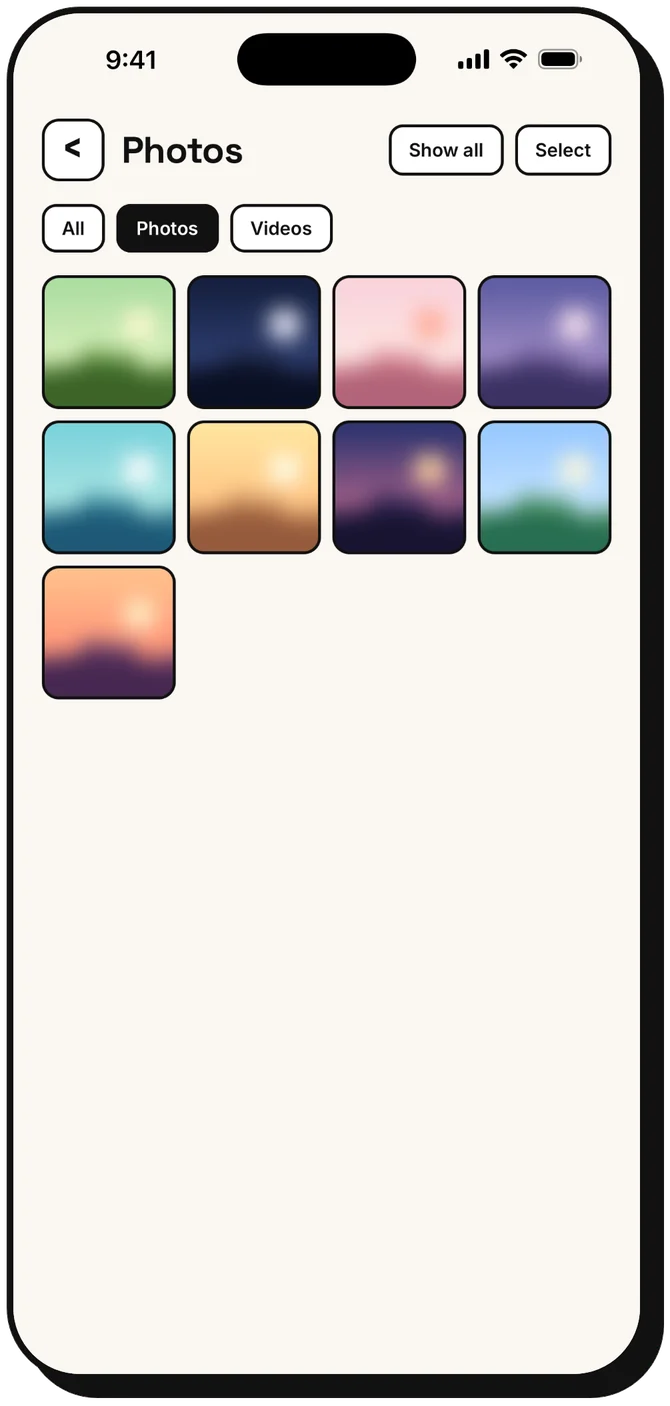
- It syncs everywhere. With iCloud Photos or Google Photos backup, it's on every device and in the cloud.
- It shows up in search. Both iPhone and Google Photos can find text in photos, so searching "passport" finds it in seconds.
- It gets shared by accident. Long-pressing to share a holiday album can include it.
Where to keep it instead
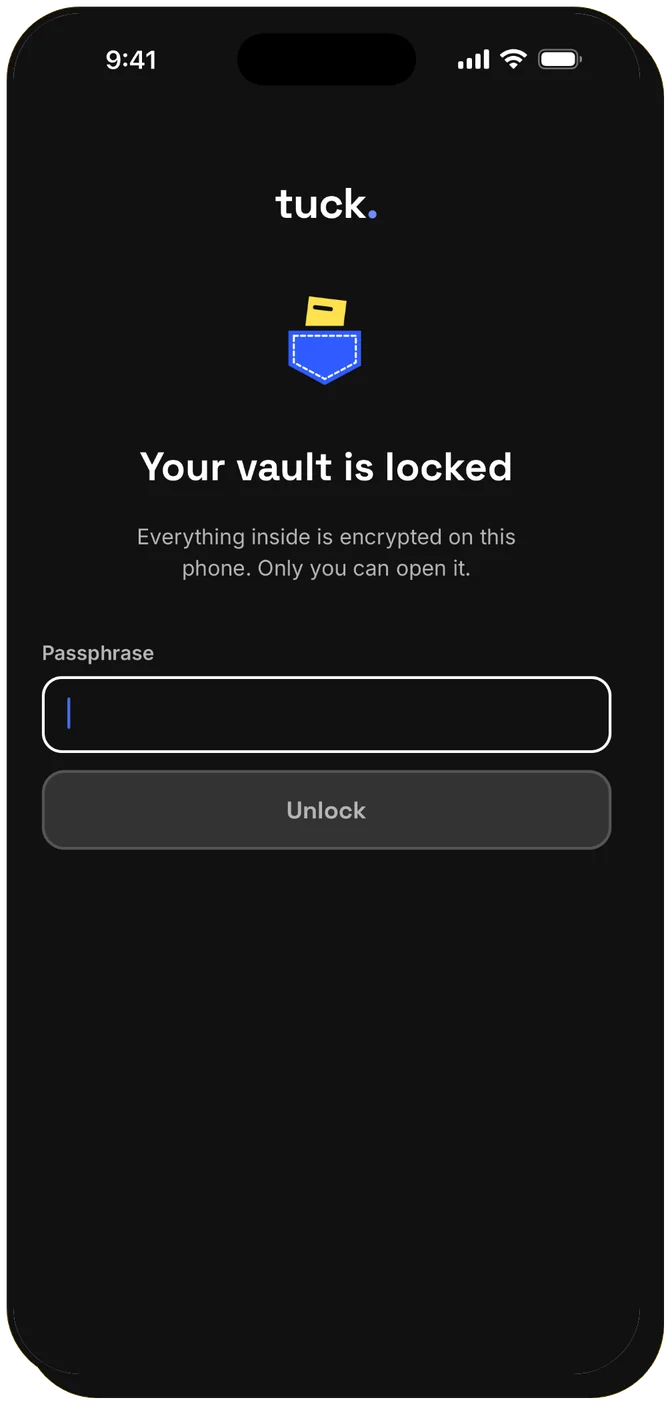
Use a place that has its own lock and encrypts the file, and keep it to one copy. A password manager with file attachments works. So does an encrypted vault app.
Whatever you use, check:
- It encrypts on your phone with a key from your passphrase, not just a PIN.
- It doesn't need an account on the company's servers, or if it does, the files are end-to-end encrypted.
- It has a backup you control, so losing your phone doesn't mean losing your documents.
Clean up the copies you've already got
- Search your photos for "passport", "licence" and "ID" and move what you find.
- Check email attachments you've sent, and your Downloads folder.
- Check WhatsApp, Messages and other chats where you've sent it to someone.
- Empty Recently Deleted (iPhone) or Trash (Google Photos).
How to keep IDs in Tuck
- Open Tuck and tap Tuck something away.
- Scan the document with the camera, import a file or PDF, or pick the photo from your gallery.
- Make a folder like "IDs" so they're easy to find.
- Turn on backup. Your documents are encrypted on your phone and saved to your own iCloud or Google Drive.
FAQ
Is it safe to keep a photo of my passport on my phone?
In the camera roll, not really: every app with photo access and every synced device can see it. In an encrypted vault with its own passphrase, it's much safer.
Should I store my ID in iCloud or Google Drive?
Only encrypted. A plain file there is protected by your account password. An encrypted vault backup in your iCloud or Drive is unreadable to anyone without your passphrase.
What should I do if a photo of my ID leaks?
Contact the issuing agency about replacing the document, and watch your credit file for new accounts. Many countries let you place a fraud alert or credit freeze.